Logitech MX Master 3S vs Logitech MX Master 4
Two of the best mouse options we've reviewed, compared on price, rating, and what each one gets right and wrong.
We may earn a commission if you buy through our links.
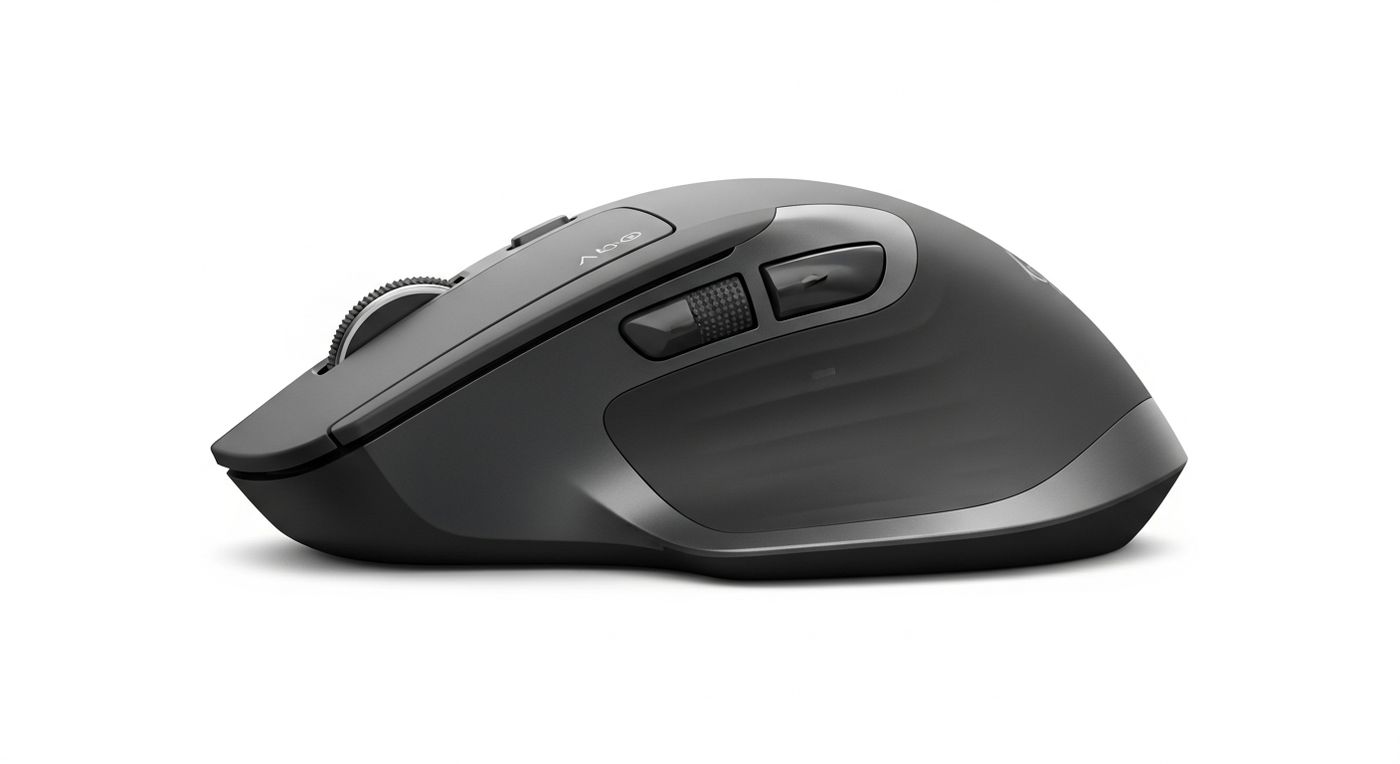
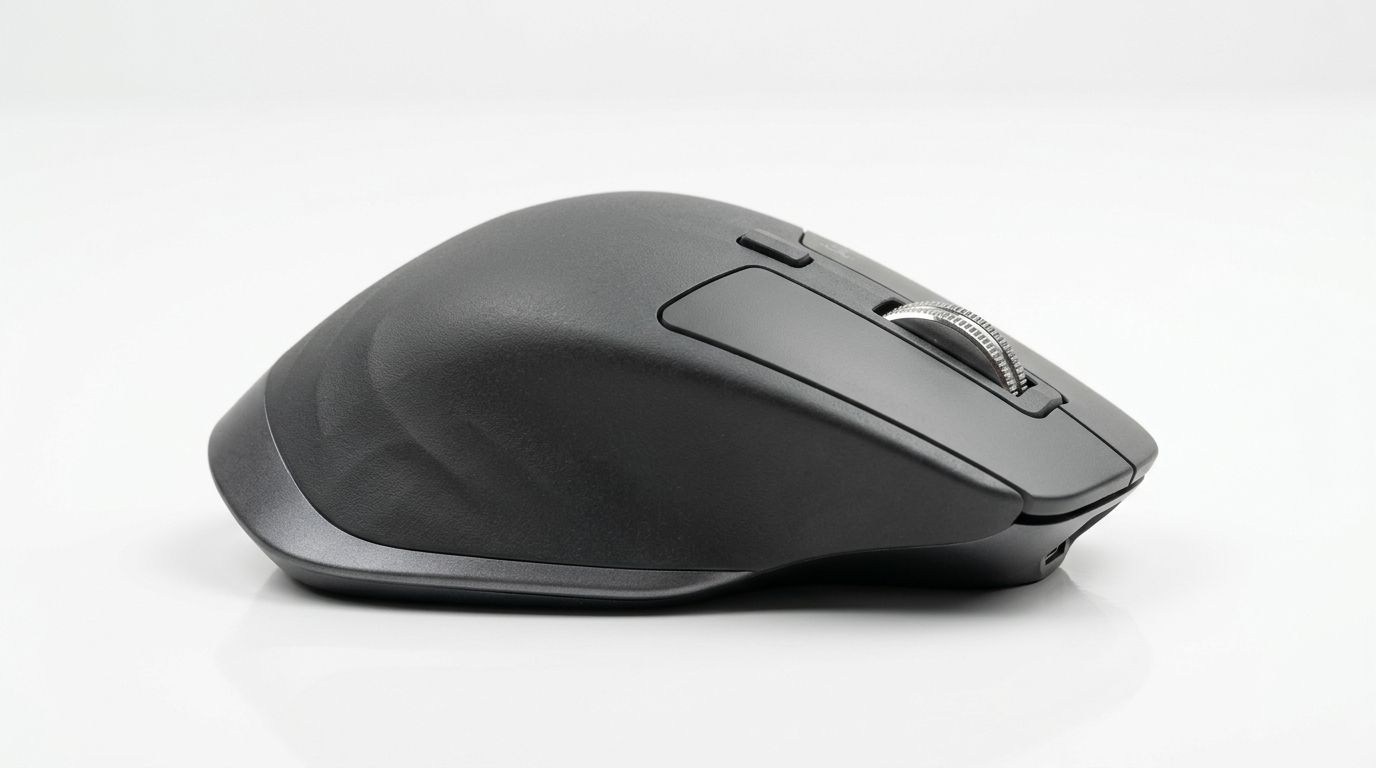
Quick Verdict
The Logitech MX Master 3S is the stronger pick overall with a 4.8/5 rating. The Logitech MX Master 3S costs about $30 less (23% cheaper), and still rates higher, which makes it the better value for most buyers.
Side-by-Side Specs
| Logitech MX Master 3S | Logitech MX Master 4 | |
|---|---|---|
| Price | $99 | $129 |
| Our rating | 4.8/5 | 4.7/5 |
| Brand | Logitech | Logitech |
| Category | mouse | mouse |
| Best for | MagSpeed electromagnetic scroll wheel handles long documents fast | Actions Ring puts per-app shortcuts under your thumb |
| Biggest drawback | Right-hand only design excludes left-handed users | Right-hand only, with no left-handed version |
Logitech MX Master 3S
The Logitech MX Master 3S is the best productivity mouse for most people. The MagSpeed scroll wheel, silent switches, and multi-device pairing make it the daily driver for professionals.
Pros
- + MagSpeed electromagnetic scroll wheel handles long documents fast
- + Silent click switches reduce noise without losing tactile feedback
- + Multi-device pairing for up to three computers
- + Ergonomic right-hand shape reduces fatigue over long sessions
- + USB-C charging reaches full charge in 3 hours
Cons
- - Right-hand only design excludes left-handed users
- - Heavy at 141g compared to gaming mice
- - Bluetooth can occasionally disconnect and require re-pairing
Logitech MX Master 4
The Logitech MX Master 4 adds haptic feedback and the Actions Ring shortcut menu to the best productivity mouse shape on the market. It is the better mouse, but the 3S remains the better value.
Pros
- + Actions Ring puts per-app shortcuts under your thumb
- + Haptic feedback confirms actions without looking at the screen
- + MagSpeed scroll wheel and quiet clicks carry over from the 3S
- + Improved Logi Bolt connection holds up in crowded offices
- + Pairs with three devices and charges over USB-C
Cons
- - Right-hand only, with no left-handed version
- - Around $30 more than the 3S for a modest day-to-day difference
- - Heavier than the 3S at around 150g
Frequently Asked Questions
- Is the Logitech MX Master 4 worth $30 more than the Logitech MX Master 3S?
- Not for most people. The Logitech MX Master 3S rates 4.8/5, matching or beating the Logitech MX Master 4 at 23% less. Pay more only if you need: actions ring puts per-app shortcuts under your thumb; haptic feedback confirms actions without looking at the screen.
- Which is better for most people, the Logitech MX Master 3S or the Logitech MX Master 4?
- The Logitech MX Master 3S is our pick for most buyers (4.8/5). Choose the Logitech MX Master 4 if its price or its specific strengths (actions ring puts per-app shortcuts under your thumb) matter more to you.
- What are the main downsides of each?
- Logitech MX Master 3S: Right-hand only design excludes left-handed users. Logitech MX Master 4: Right-hand only, with no left-handed version.