White Minimal Desk Setup with Keychron and Monitor Light
A clean white minimal desk setup built around a white FlexiSpot desk, Keychron Q1 Pro keyboard, and BenQ ScreenBar lighting. Total cost: $1,290.
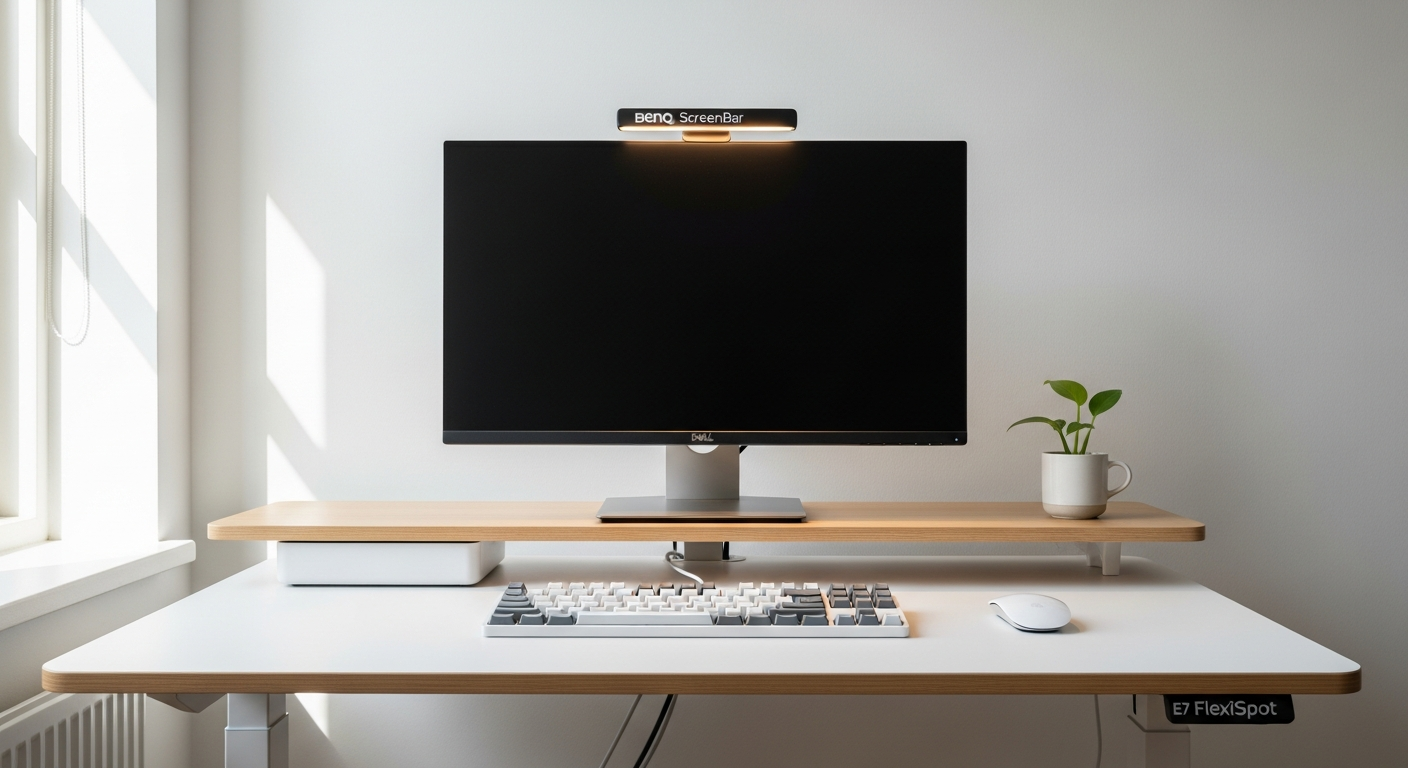
I built this setup around one constraint: no color except white and light grey. No wood tones. No black accents. Just white. It took three attempts before everything matched the way I wanted. Here’s what I learned.
The Desk: FlexiSpot E7 in White
I chose the FlexiSpot E7 Standing Desk in white for two reasons. First, the white powder-coated frame matches white desk surfaces better than any other standing desk in this price range. Most white standing desks have an off-white or slightly warm frame that clashes with bright white desktop surfaces. The E7’s frame is a true cool white.
Second, it’s the most stable standing desk I’ve used under $600. At full height, there’s no wobble when I type. For a 60 x 24 inch surface, the dual-motor lift handles the load without hesitation. I’ve had it for eight months and the height memory still works on the first press every time.
The only thing I’d note: the desktop top is sold separately. I paired the E7 frame with a white laminate custom top cut to 60 x 24 inches. The standard tops from FlexiSpot are fine, but the edge profile is thick. A custom laminate top looks cleaner.
The Monitor: Dell U2723DE 27-inch
I picked the Dell U2723DE for a specific reason: the built-in USB-C hub. I work from a MacBook Pro. Before this monitor, I had a hub, a charging cable, and an Ethernet adapter cluttering the desk. Now there’s one cable between the laptop and the monitor. That single cable carries power, data, and display signal.
The display itself is excellent. 1440p IPS with factory calibration and a slim bezel. The white back panel and white stand match the desk surface closely. When the screen is off, the monitor almost disappears against the white wall behind it. That visual integration was more important to me than I expected.
The stand is the one place the white theme almost broke: Dell’s U2723DE ships with a silver-and-black stand. I replaced it immediately with the Ergotron LX in white, which freed the desk surface and completed the all-white look.
The Keyboard: Keychron Q1 Pro
The Keychron Q1 Pro in shell white with white PBT keycaps is the keyboard that makes this setup. I’ve tried other white mechanical keyboards. Most of them feel hollow or overly loud. The Q1 Pro’s gasket mount absorbs the typing sound in a way that makes it feel higher quality than it costs.
I use Gateron G Pro Brown switches. They’re tactile without being loud. In a room with no sound-dampening, the click is satisfying rather than intrusive. The white colorway holds its color well: after eight months, the case hasn’t yellowed.
The wireless connection via Bluetooth 5.1 is stable. I’ve had zero dropped connections. I switch between the MacBook and an iPad using the profile toggle on the keyboard. The transition takes about two seconds.
One small detail: the USB-C cable that ships with the Q1 Pro is white with a braided sleeve. Most keyboards ship with black cables. That matters when you care about every visible element.
Lighting: BenQ ScreenBar
The BenQ ScreenBar completes the desk. It sits on top of the monitor, lights the desk surface evenly, and creates zero screen glare. Before adding it, I used a desk lamp to the side. The lamp took surface space and cast uneven light that created shadows near the keyboard.
The ScreenBar’s touch controls sit on the right end: one tap for on/off, a swipe for brightness, and a separate dial for color temperature. I keep it at 4000K during the day and drop to 3200K in the evenings.
The housing is white. It matches the monitor. It matches the desk. It’s one of those products where the design decision to make it available in white clearly came from someone who uses these setups.
Cable Management
This is where minimal setups either succeed or fail. I use three products:
A cable spine down the back desk leg bundles the power cable and monitor cable together. From the front, there are no visible cables.
Velcro ties bundle cables under the desk. I replaced all the original black cable ties with white ones.
A white cable raceway runs along the baseboard to the wall outlet. It’s painted to match the wall. From two feet away, it’s invisible.
The result: from a seated position, there is not a single visible cable. That took about two hours to achieve and it’s maintained with almost no effort.
What I’d Change
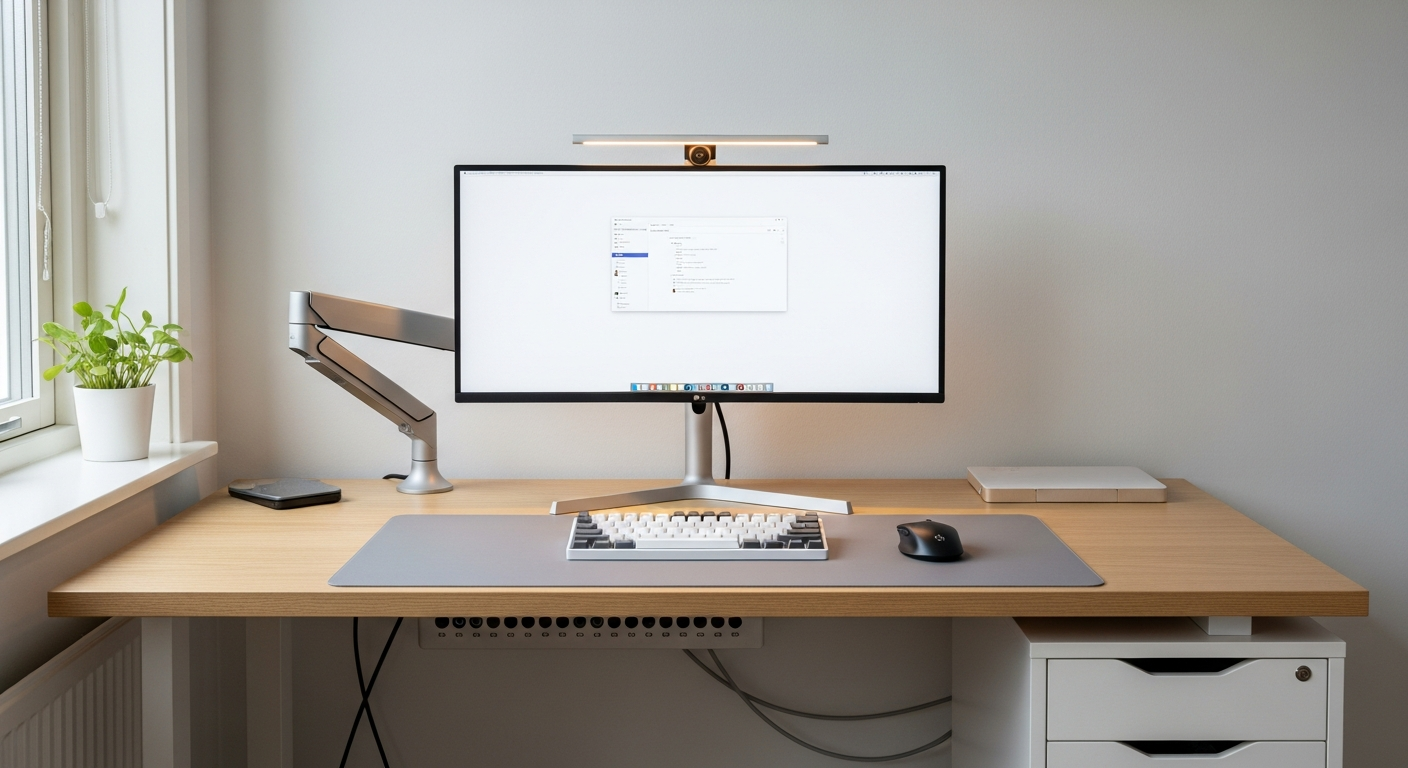
The monitor arm is white, but it’s the Ergotron LX in a slightly warm white that doesn’t match the cool white of everything else. It’s only noticeable in certain lighting, but I notice it. I’d swap it for the Humanscale M8.1 in white if I were building this again.
I’d also add a white desk mat from the start. I added one six months in and immediately wished I’d included it from day one. The light grey mat grounds the setup visually and reduces the starkness of an all-white surface.