Clean Minimal Developer Setup with Ultrawide Monitor
A distraction-free developer workspace featuring an ultrawide monitor, mechanical keyboard, and standing desk. Perfect for focused coding sessions.
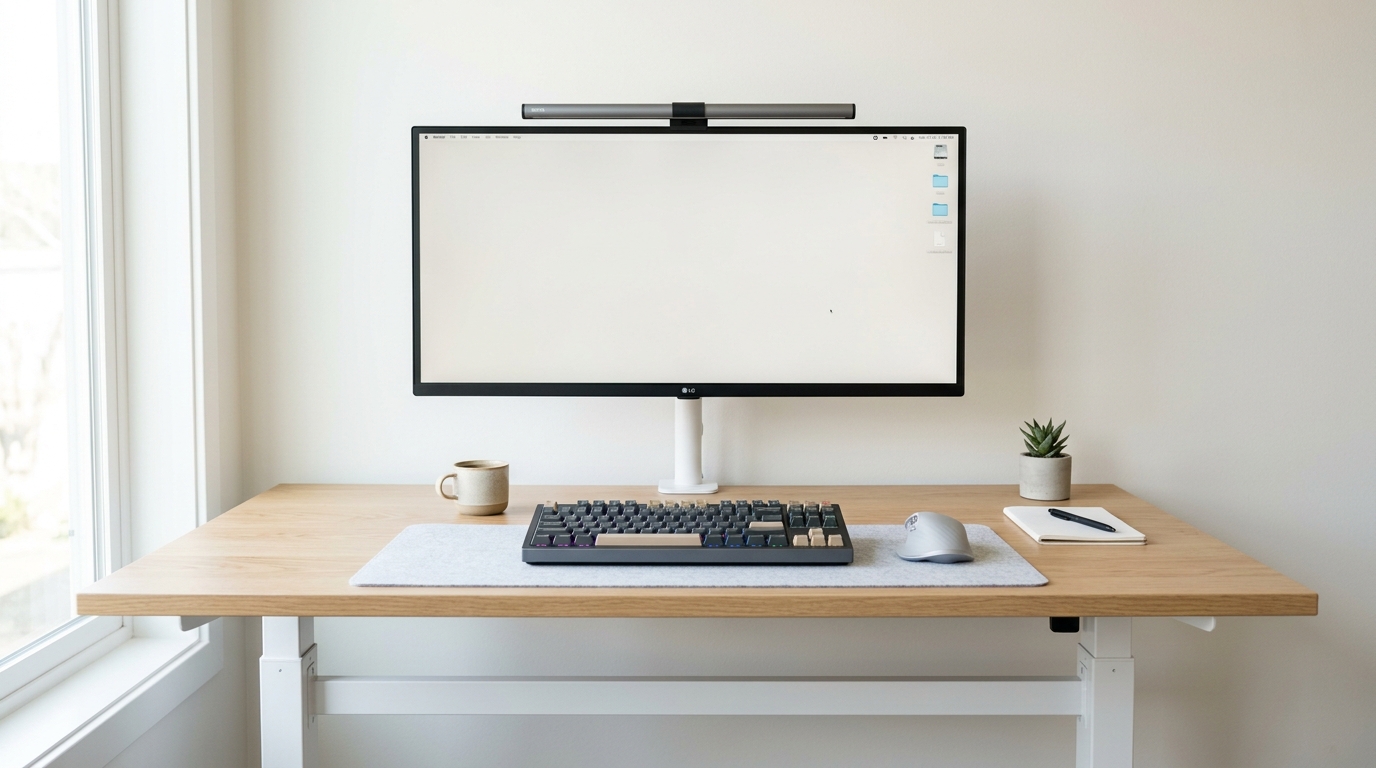
This setup is built around one principle: remove everything that doesn’t help you write better code.
The Philosophy
No RGB. No triple monitors. No clutter. Just a single ultrawide that gives you enough screen real estate for your editor, terminal, and browser side by side — without the bezels and alignment headaches of a multi-monitor setup.
Why This Works for Developers
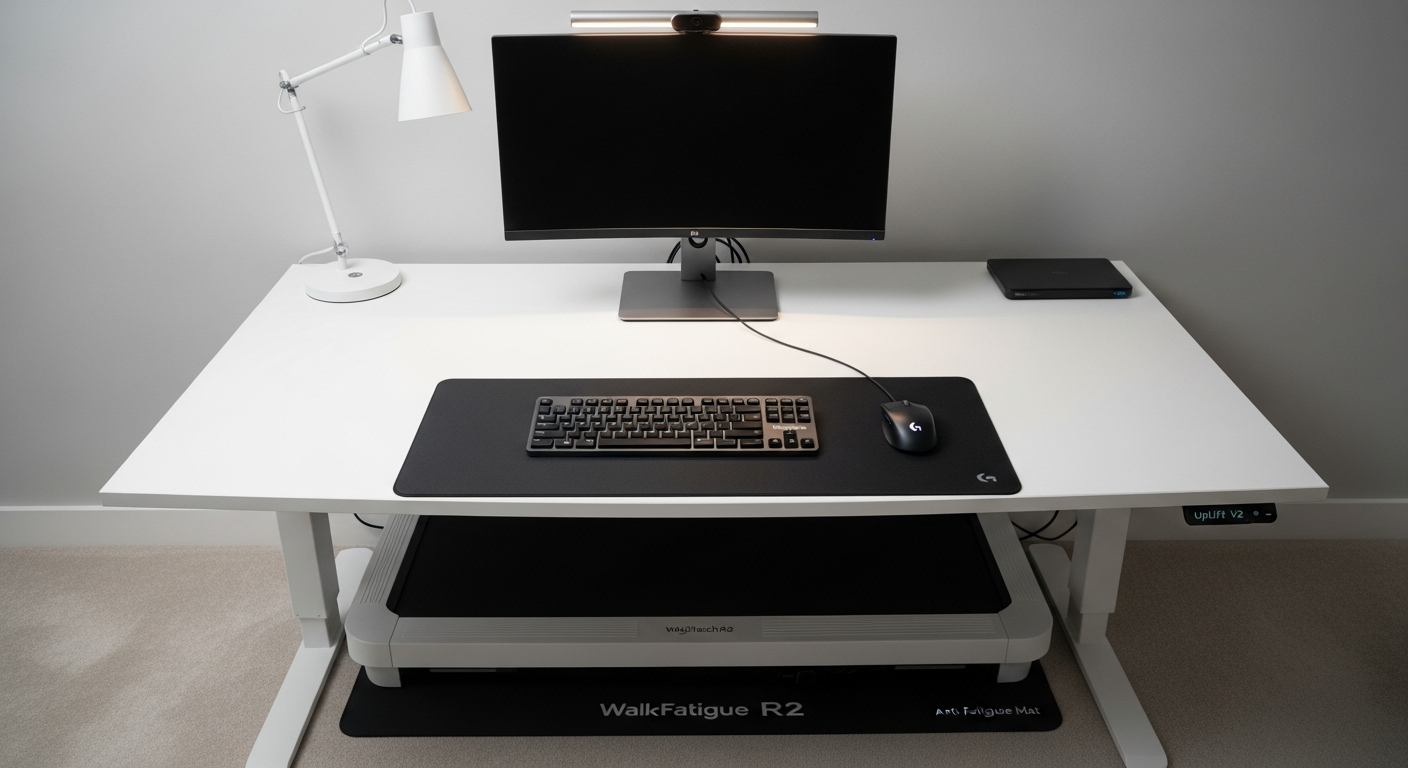
The Uplift V2 standing desk lets you switch between sitting and standing throughout the day, which is a game-changer during long debugging sessions. The ultrawide monitor eliminates the need for multiple displays while giving you a seamless 34-inch canvas for split-screen workflows.
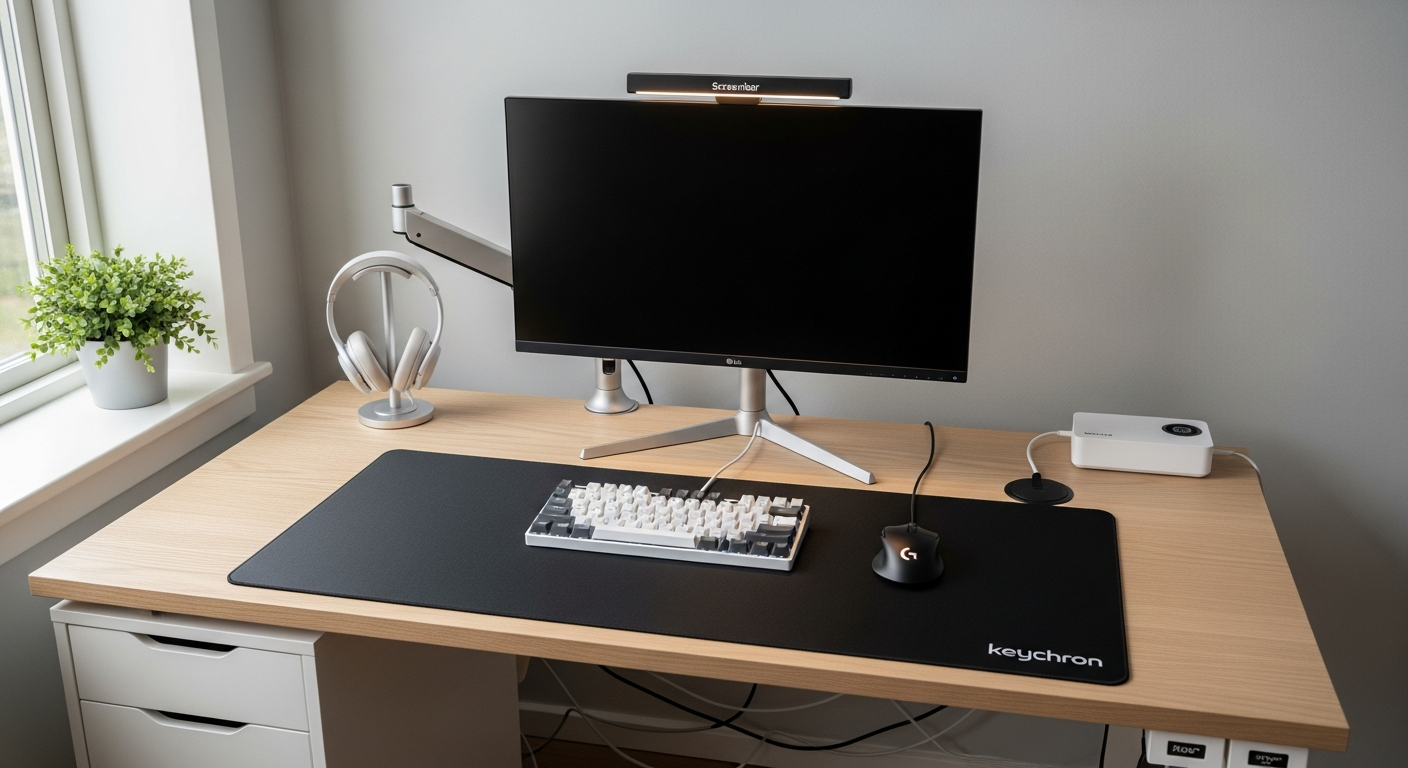
The Keychron Q1 Pro provides the tactile feedback that makes typing code genuinely enjoyable, and the BenQ ScreenBar keeps your desk surface clear while providing perfect task lighting that doesn’t create screen glare.
What I’d Change
If budget allows, upgrading to a 38-inch ultrawide (like the LG 38WN95C) gives you even more vertical space for code. And if you’re on macOS, the Apple Magic Trackpad is worth considering alongside the MX Master for gesture-based window management.