MacBook Pro Desk Setup for Developers and Designers
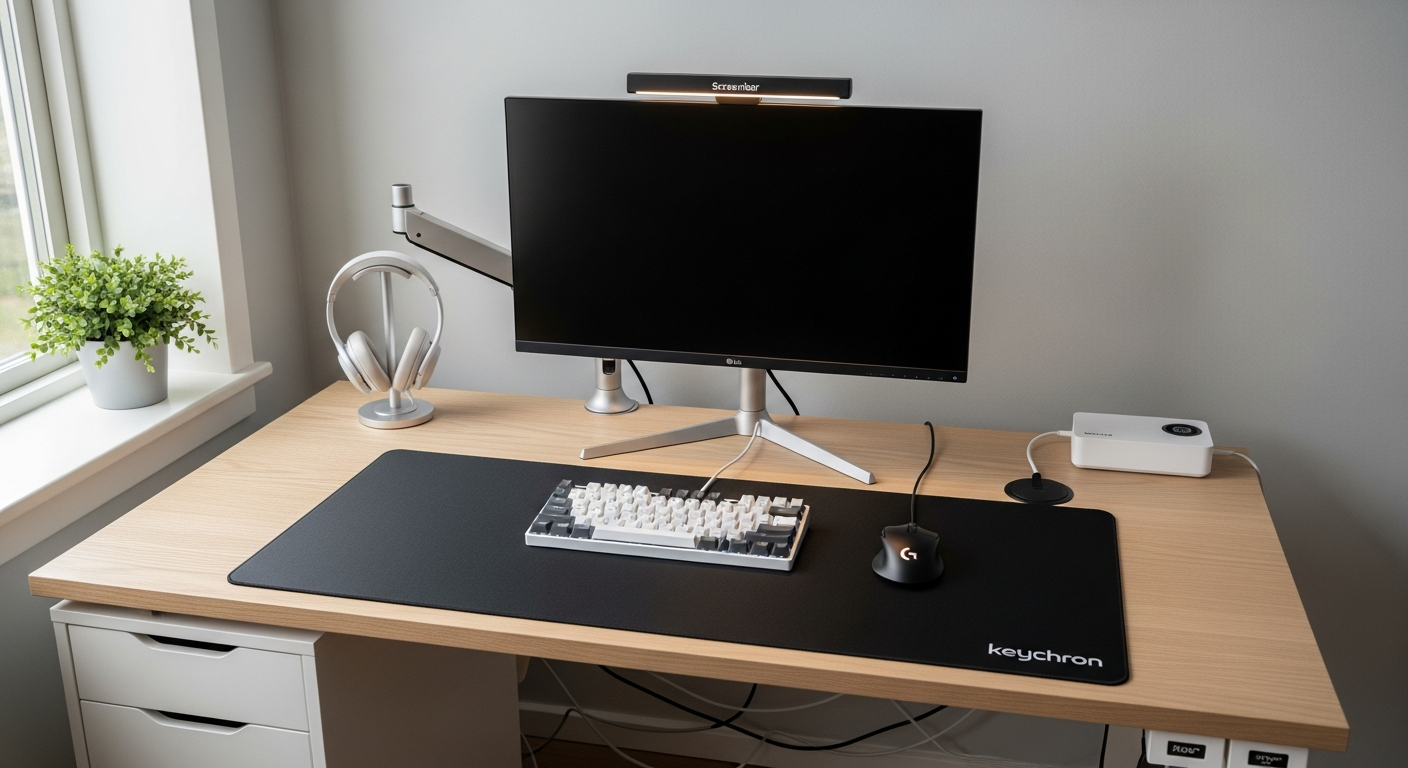
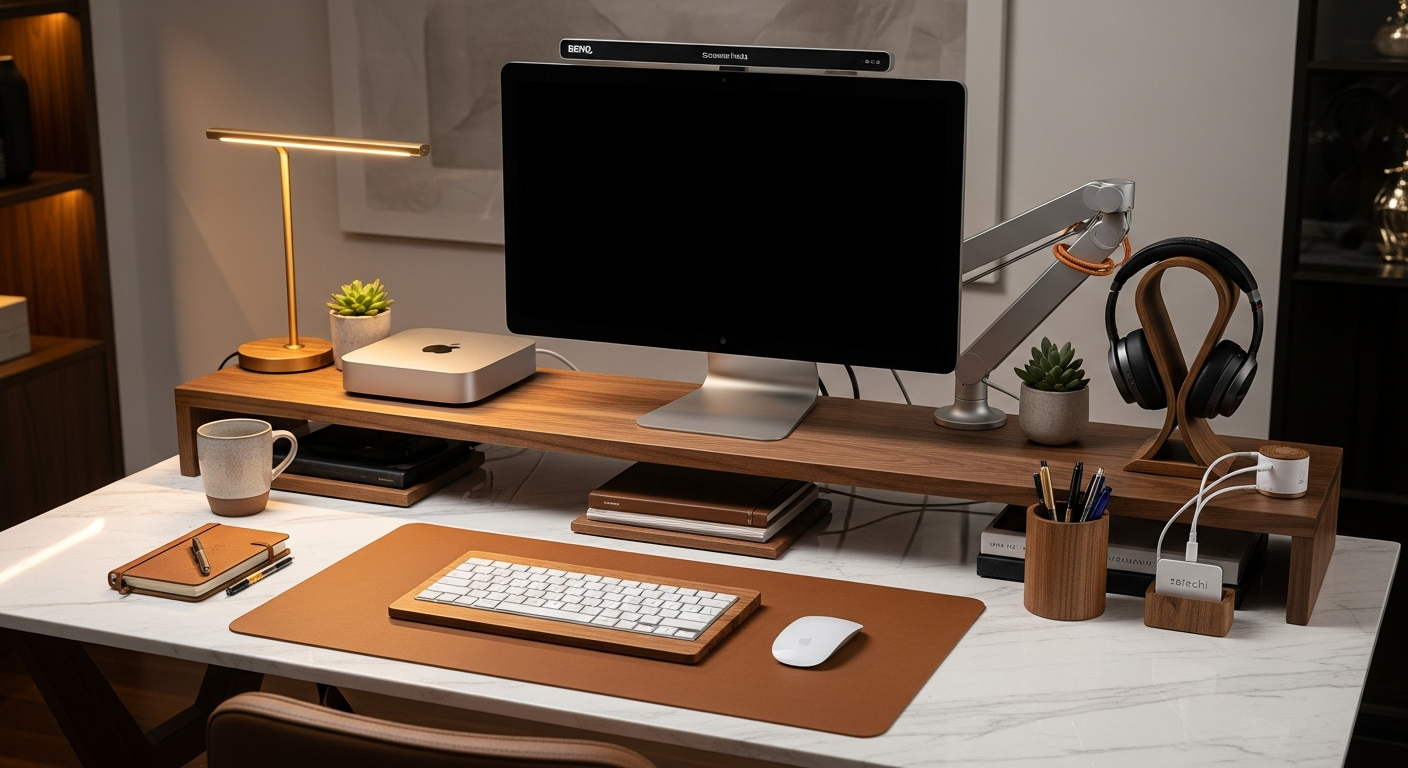
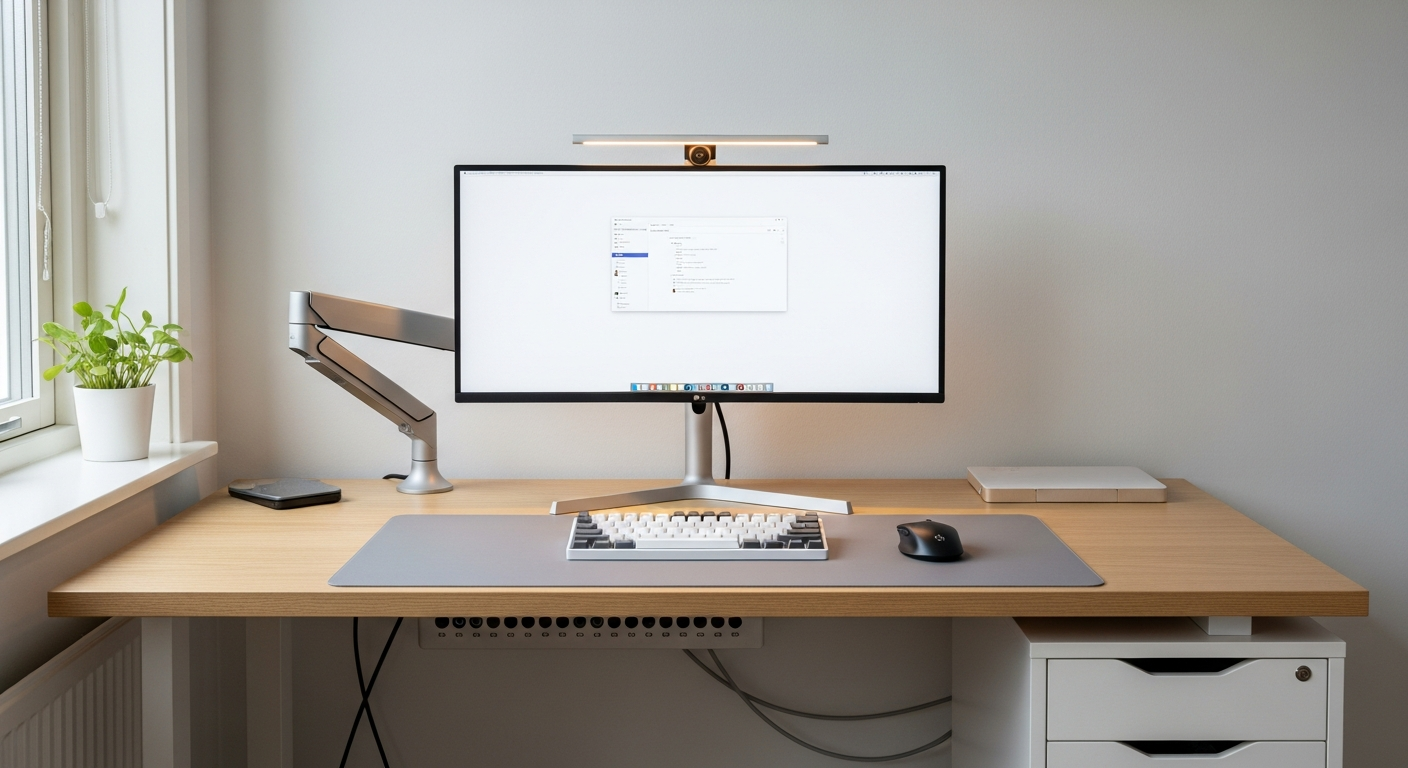
A MacBook Pro clamshell desk setup with an ultrawide monitor, Keychron keyboard, and MX Master 3S for a clean single-display workstation. Total cost: $1,040.
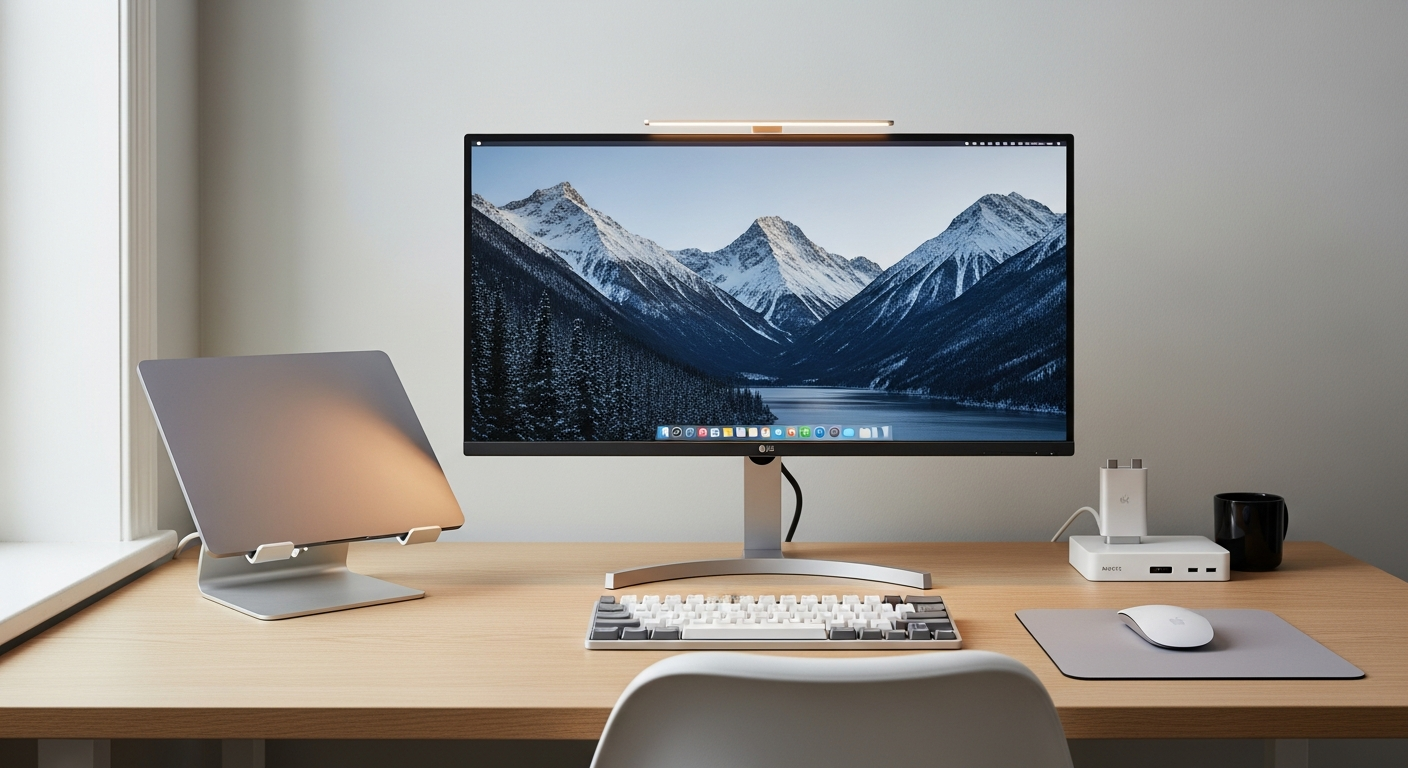
This setup is built around a MacBook Pro in clamshell mode. I wanted one large display instead of the laptop screen plus an external monitor. The result is a cleaner, more focused workspace that still has full access to macOS power. Total cost sits at $1,040.
We may earn a commission if you buy through our links.
The Display: LG 34WN80C-B Ultrawide at $499
I chose the LG 34WN80C-B Ultrawide Monitor for this build. The 34-inch, 21:9 panel gives me enough horizontal space to run two app windows side by side. No second monitor needed. The USB-C with 60W power delivery was the deciding factor. One cable from the monitor powers the MacBook and carries the display signal. That simplicity is hard to beat. Color accuracy is solid for design work. It covers 99% of sRGB. For developers and designers who don’t need DCI-P3 calibration, it’s more than enough.
The Keyboard and Mouse: Keychron Q1 Pro ($199) and MX Master 3S ($99)
The Keychron Q1 Pro Keyboard is one of the best compact mechanical keyboards available. It connects over Bluetooth, so there’s no dongle cluttering the desk. The aluminum body feels substantial. I use Gateron G Pro Red switches, which are quiet enough for open-plan spaces. macOS compatibility is native. Function row remapping works without third-party software.
The Logitech MX Master 3S for Mac pairs flawlessly over Bluetooth. The MagSpeed scroll wheel is genuinely fast for long documents and codebases. The ergonomic shape holds up over long sessions. The thumb rest matters more than I expected after months of use.
The Hub and Stand: Anker 7-in-1 ($49) and Twelve South HiRise Pro ($99)
Clamshell mode creates one problem: the MacBook needs to stay cool while closed. The Twelve South HiRise Pro MacBook Stand solves this. It holds the laptop vertically, maximizing airflow. It looks clean on the desk too. I tried a cheaper stand first. The HiRise Pro is worth the price difference.
The Anker USB-C Hub 7-in-1 sits between the monitor and desk surface. I route a USB-A peripheral and an SD card reader through it. The hub is small enough to tuck behind the monitor base. Combined with the monitor’s built-in USB-C pass-through, I rarely touch the MacBook itself.
The IKEA KARLBY Countertop Desk at $119 is the base of this setup. The 74-inch walnut surface provides room for the monitor, keyboard, and a notebook without feeling crowded. It sits on two ALEX drawer units. Assembly is straightforward.
The BenQ ScreenBar Monitor Light at $63 clips to the top of the LG panel. It lights the desk surface without creating glare on the screen. The auto-dimming sensor works well in the morning and at night.
What I’d Change
The LG ultrawide doesn’t support HDMI 2.1. That’s fine for macOS work. If you game on the same machine, consider a different display. The Anker hub occasionally drops connection during heavy USB transfers. A powered hub would be more reliable. I’d also add a proper cable management tray under the desk. Right now the monitor cable runs visible along the desk leg. It’s the one thing that bothers me about the setup.
Gear in This Setup
LG 34WN80C-B Ultrawide Monitor
$499
Keychron Q1 Pro Keyboard
$199
Logitech MX Master 3S for Mac
$99
Twelve South HiRise Pro MacBook Stand
$99
BenQ ScreenBar Monitor Light
$63
Anker USB-C Hub 7-in-1
$49
IKEA KARLBY Countertop Desk
$119