FlexiSpot Standing Desk Setup: Build Guide and First Impressions
A detailed look at building a home office around the FlexiSpot E7 standing desk, including cable management, monitor arm setup, and what surprised me.
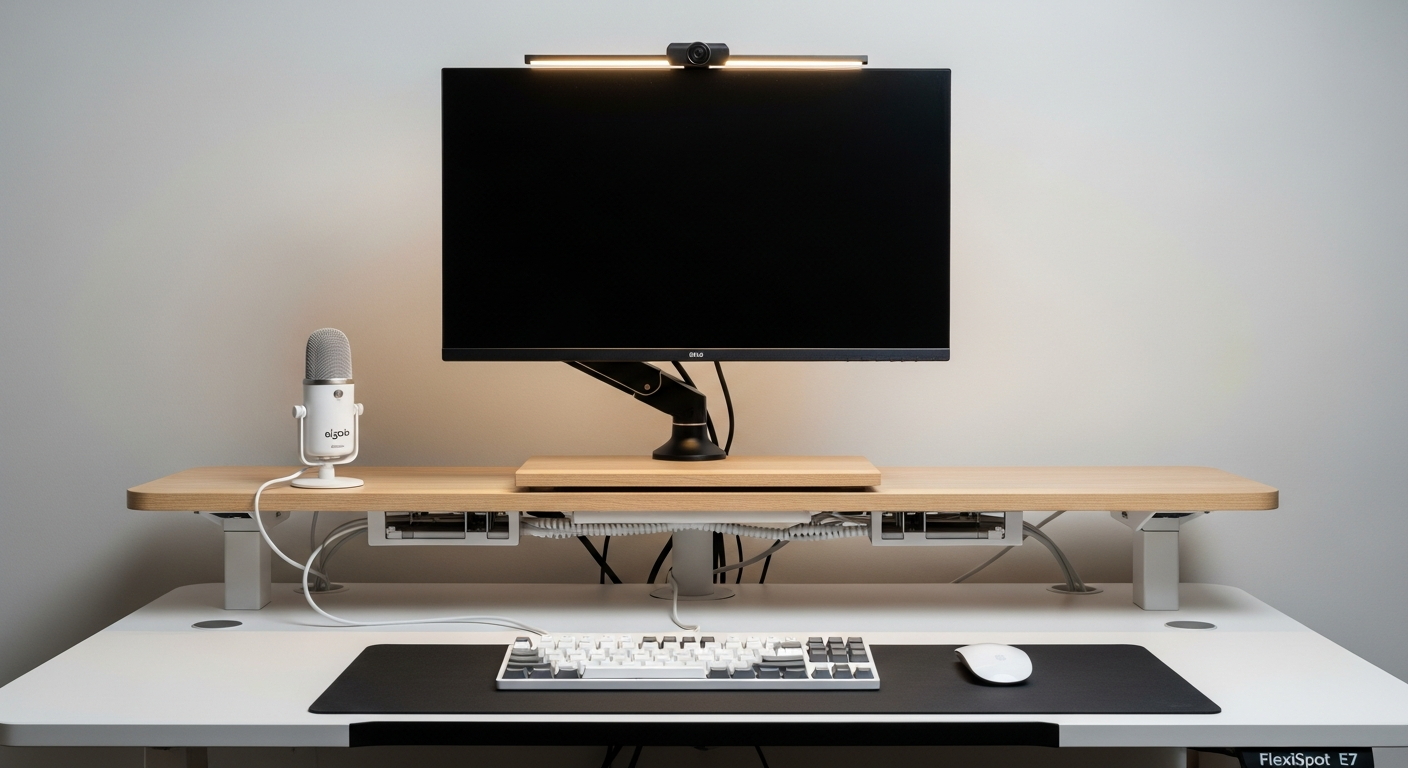
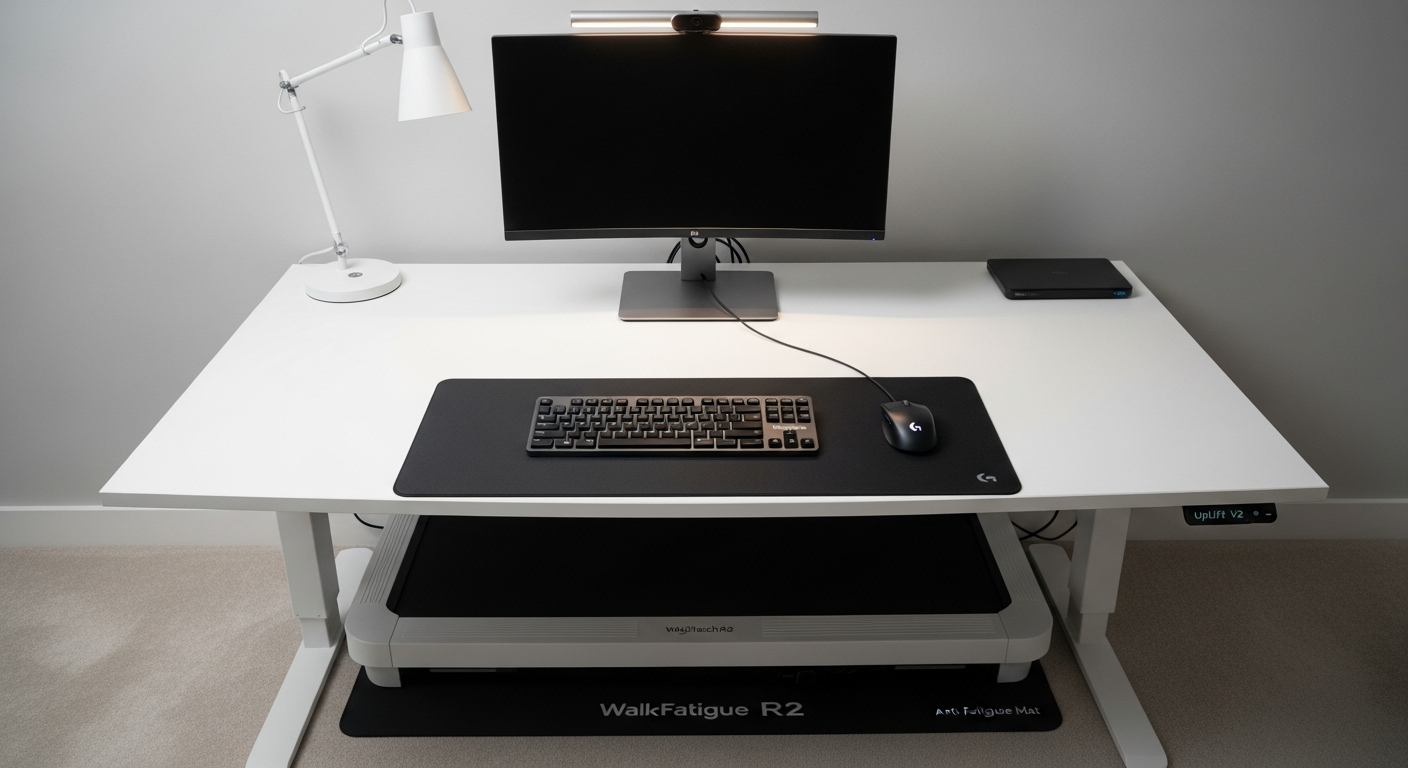
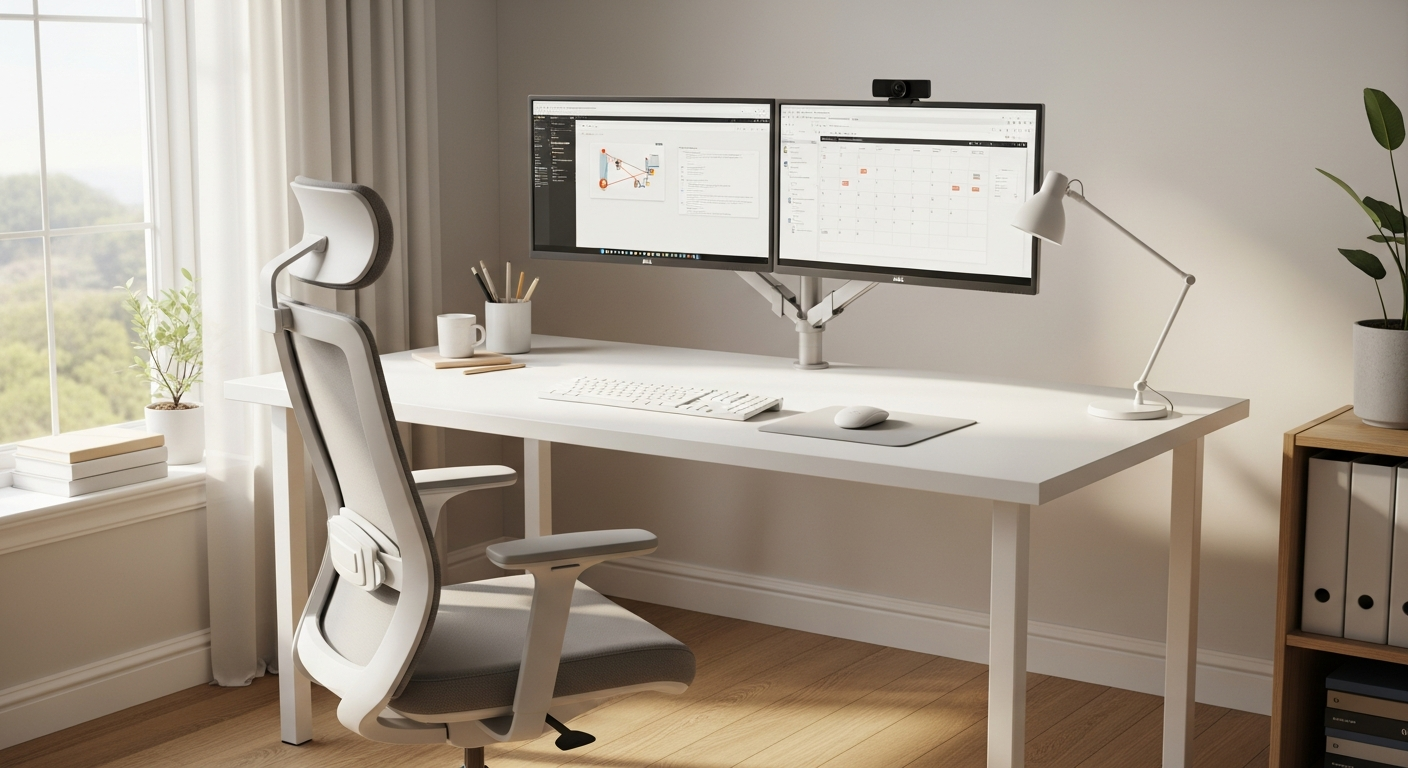
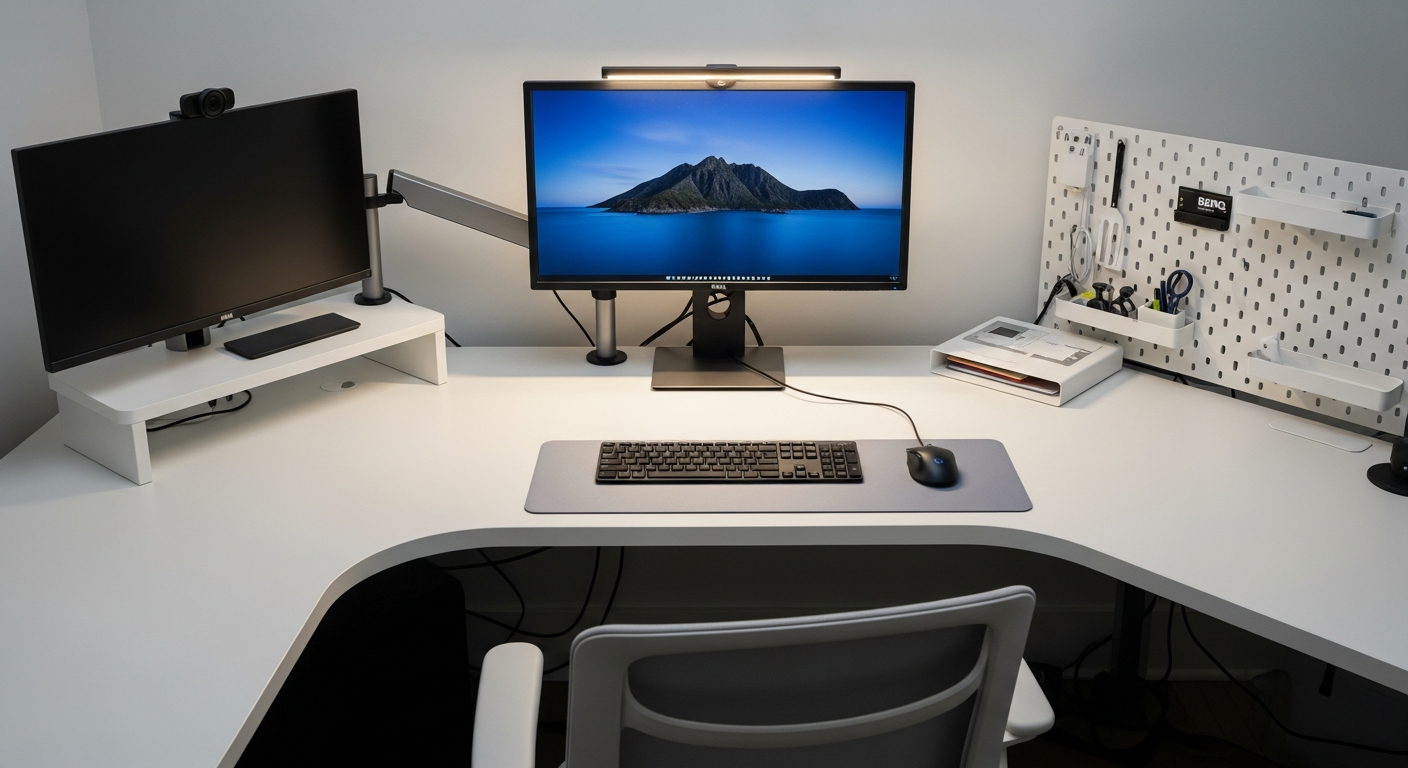
This setup started as a frame-only purchase and became a full office build over about three weeks. The core is the FlexiSpot E7 frame paired with an IKEA KARLBY countertop. Here is what the build process actually looked like.
We may earn a commission if you buy through our links.
Building the Frame and Choosing a Countertop
The FlexiSpot E7 ships as a frame without a tabletop. That creates flexibility. I chose the IKEA KARLBY walnut countertop in 74 inches because it is solid wood veneer, looks good, and costs a fraction of FlexiSpot’s own tops.
Mounting the KARLBY to the E7 frame required drilling new holes. The KARLBY does not come pre-drilled for standing desk frames. The frame’s included template made marking positions straightforward. I used a 25mm spade bit for the cable grommet hole and a pilot bit for the frame mounting screws. The process took about 45 minutes.
The frame itself assembles in under an hour. The legs slot into the crossbar, the control box attaches underneath, and the wiring is clearly labeled. No electronics knowledge required.
Cable Management: The Part That Takes Longest
This was the most time-consuming part of the entire build. A standing desk means cables need to move. Fixed cable runs from a static desk fail the moment you hit the stand button.
The VIVO Under Desk Cable Management Tray mounts to the underside of the top and holds the power strip and excess cable slack. Everything that doesn’t need to move goes in this tray. The tray uses screws rather than adhesive, which is the right call for a heavier countertop.
The Cable Spine for Standing Desk handles the vertical run from the desk down to the floor. It zips together around the cables and extends or contracts as the desk moves. Without a cable spine, cables bunch up on the floor at standing height and get pinched at sitting height. This $35 part solved both problems.
I used velcro ties throughout instead of zip ties. Zip ties are permanent. When I need to add or swap a cable, velcro ties let me do it in seconds.
Monitor Arm Setup
The Ergotron LX Single Monitor Arm clamps to the desk edge via the included C-clamp. Installation takes about ten minutes. The arm ships with the tension pre-set too loose for heavier monitors. I adjusted the internal tension bolt with a 5mm hex key before mounting the display.
The arm handles monitors up to 9.9 kg (around 22 lbs). My display weighs 5.8 kg, so there is plenty of margin. After setting the tension, the monitor holds position exactly where I leave it.
At standing height, the arm extends far enough to keep the monitor at eye level without tilting it at an uncomfortable angle. This was a concern before purchase. It handles the full height range of the E7 without issues.
The Microphone: Elgato Wave 3
The Elgato Wave 3 was the last addition to this setup. It sits on a short desktop stand to the left of the monitor. The condenser capsule picks up voice clearly and rejects keyboard noise well. In video calls, I receive consistent feedback that audio quality is noticeably better than the MacBook microphone.
The Wave 3 connects via USB-C and is plug-and-play on macOS. The physical dial on the front blends microphone and headphone audio, which is useful during calls where you want to hear yourself without echo.
One honest note: the included stand positions the mic low. A boom arm would be a better mount for most setups.
What I’d Change
The KARLBY countertop looks great but it is heavy. At around 50 lbs for the 74-inch version, it makes the desk harder to move. A lighter desktop, like a bamboo top from FlexiSpot directly, would shave significant weight and make repositioning easier.
I would also buy the Ergotron dual arm instead of the single arm from the start. I added a second monitor six months in and had to purchase a second arm separately. Buying the dual arm upfront would have saved money and time.
Gear in This Setup
FlexiSpot E7 Standing Desk
$549
IKEA KARLBY Countertop
$119
VIVO Under Desk Cable Management Tray
$22
Ergotron LX Single Monitor Arm
$179
Cable Spine for Standing Desk
$35
Elgato Wave 3 USB Microphone
$116