Best Keyboard Switches for Gaming and Typing in 2026
A guide to mechanical keyboard switches for gaming and typing: linear vs. tactile vs. clicky, top picks, and how to choose for your use case.
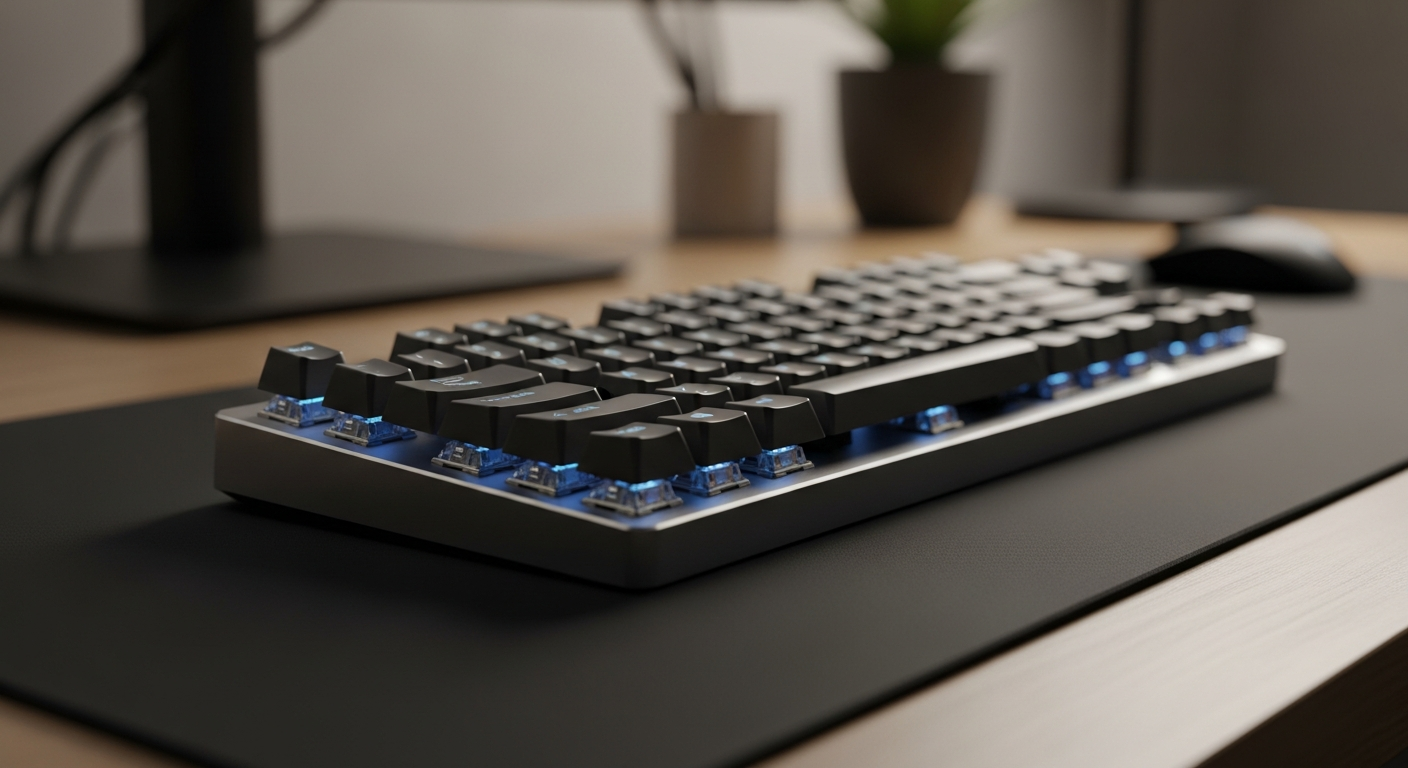
Quick picks: Best budget linear: Gateron Yellow | Best for gaming: Cherry MX Speed Silver | Best value tactile: Akko CS Jelly | Best premium tactile: Glorious Panda | Best clicky: Kailh Box White | Best analog: Wooting Lekker
We may earn a commission if you buy through our links.
Switch Types
Linear Switches
Linear switches have a smooth, consistent keystroke from top to bottom. There is no tactile bump and no audible click. The key registers at a defined actuation point, then continues smoothly to the bottom.
Gamers prefer linears because the smooth travel allows fast repeated keypresses. There’s no bump to interrupt rapid sequences. They’re also quieter than clicky switches. The downside for typists: without tactile feedback, you tend to bottom out on every press. This causes fatigue during long writing sessions.
Tactile Switches
Tactile switches have a bump you can feel when the key actuates. The bump confirms registration without bottoming out. For typing, this is the preferred feedback style. Most touch typists adapt to tactile switches quickly and report less finger fatigue over long sessions.
For gaming, the bump can feel like resistance during fast key sequences. Some competitive players use tactile switches without issues. Most prefer linear for games requiring rapid inputs.
Clicky Switches
Clicky switches add an audible click to the tactile bump. Each keypress produces a distinct click sound. The feedback is satisfying for many typists. In shared spaces, offices, or near a microphone, the noise is a real problem.
If you work alone and enjoy audible confirmation of each press, clicky switches are worth trying. They’re the most divisive switch type: strongly preferred or strongly avoided.
Analog Switches
Analog switches use magnetic sensors instead of physical contacts. They read the exact depth of each keypress rather than registering a binary on/off state. This enables rapid trigger (dynamic reset points) and analog input (walk speed control in games). Wooting’s Lekker switches are the primary example. They represent a genuine hardware advantage for competitive gaming.
What to Look For
Actuation Force
Actuation force is measured in grams-force (gf). Light switches (35-45gf) register with minimal pressure. They’re fast for gaming but prone to accidental keypresses during typing. Heavy switches (55-67gf) require deliberate presses. They suit typists who rest fingers on keys between words.
For most people, 45-50gf is the comfortable middle ground. It’s light enough for gaming and firm enough to avoid accidental presses during typing.
Pre-Travel and Total Travel
Pre-travel is the distance from the resting position to the actuation point. Speed switches have shorter pre-travel (1.0-1.2mm). Standard switches actuate at around 2.0mm. Shorter pre-travel means faster registration, which matters in competitive gaming.
Total travel is the full distance from rest to bottom-out. Most switches have 4.0mm total travel. This affects the typing feel more than the actuation spec.
Lubing and Modding
Factory-installed switches are usually unlubed or lightly lubed. Adding switch lubricant (like Krytox 205g0 for linears) significantly reduces scratch and ping. It makes linears smoother and tactiles slightly less pronounced. Most enthusiast keyboards are hot-swap, so you can pull switches, lube them on a station, and reinstall. The improvement in typing feel is substantial. It takes about two hours for a full board.
Gateron Yellow
Gateron Yellow switches are the best budget linear. They actuate at 35gf with a smooth, almost frictionless travel. The factory smoothness is above average. They outperform Cherry MX Reds in feel at a lower cost.
They’re available pre-lubed in some variants. Compatible with most hot-swap keyboards. For anyone building their first linear board or switching from membrane, Gateron Yellows are the entry point.
Cherry MX Speed Silver
Cherry MX Speed Silver switches are optimized for gaming. Pre-travel is 1.2mm, shorter than standard Cherry MX reds at 2.0mm. Total travel is 3.4mm. The shorter actuation distance reduces the time between keypress and registration.
Cherry MX’s manufacturing consistency is reliable. Switches across a board feel uniform. The downside: the short pre-travel makes accidental presses more likely during typing. These are purpose-built for gaming, not dual-purpose use.
Akko CS Jelly
Akko CS Jelly switches are the best value tactile option. The bump is pronounced and positioned high in the keystroke, making it easy to feel without bottoming out. The factory smoothness is good for a tactile switch at this price.
They’re available in multiple variants (Pink, Purple, Blue) with different actuation forces. The Jelly Pink (45gf) is the starting recommendation for typists new to tactile switches. Compatible with standard MX footprint hot-swap keyboards.
Glorious Panda
Glorious Panda switches are the benchmark for premium tactile feel. The tactile bump is sharp and strong: one of the most distinct in the category. Bottoming out on these switches is uncomfortable, which trains lighter typing habits.
They’re available factory-lubed (Holy Pandas) for a smoother version of the same profile. At around $1.00 per switch, they’re priced at the premium end. But for typists who want maximum tactile feedback, they’re the reference point.
Kailh Box White
Kailh Box White switches are the best clicky option. The box design adds dust and moisture resistance around the switch stem. The click mechanism is inside the box, producing a crisp, consistent click on each press.
The click sound is loud and sharp. It’s not suitable for shared office spaces or microphone-sensitive setups. For solo home office setups where the sound is welcome, they’re satisfying in a way no linear or tactile matches.
Wooting Lekker
Wooting’s Lekker switches are the current competitive gaming standard. They use hall-effect magnetic sensors to read exact key position. This enables rapid trigger: the key resets dynamically the moment you reverse direction. Standard switches reset at a fixed physical point.
The hardware advantage is real for FPS games. Lekker switches are currently exclusive to Wooting keyboards. You can’t install them in a third-party board. But if competitive gaming is the priority, the Wooting ecosystem is purpose-built around these switches.
Bottom Line
Start with Gateron Yellows if you want a budget linear for gaming or typing. Choose Cherry MX Speed Silver for a gaming-focused linear with the fastest actuation available. Try Akko CS Jelly as your first tactile switch. Upgrade to Glorious Pandas when you know you want a premium tactile feel. Pick Kailh Box White for a clicky switch with good build quality. And choose the Wooting Lekker if competitive FPS is your primary use and you want the best available input hardware.
Frequently Asked Questions
- What is the difference between linear, tactile, and clicky switches?
- Linear switches have a smooth keystroke with no bump or click. Tactile switches have a bump you can feel at the actuation point. Clicky switches have both a bump and an audible click. Most gamers prefer linear for speed, most typists prefer tactile for feedback.
- Are Cherry MX switches still the best?
- Cherry MX is the most recognized brand but no longer the benchmark. Gateron, Akko, and Kailh produce switches that match or exceed Cherry MX quality at lower prices. Wooting's analog switches are the current competitive gaming standard.
- What is switch actuation force?
- Actuation force is how hard you have to press a key for it to register, measured in grams. Light switches (35-45g) register with less pressure and are faster for gaming. Heavier switches (50-67g) are preferred by typists who want to avoid accidental presses.
- Can I try switches before buying a keyboard?
- Yes. Switch testers are inexpensive ($10-25) and let you test 20-60 different switches before committing to a keyboard. Most keyboard enthusiast retailers sell them. It's worth doing before spending $150+ on a keyboard.