Logitech G Pro X Superlight 2 vs Logitech MX Master 3S
Two of the best mouse options we've reviewed, compared on price, rating, and what each one gets right and wrong.
We may earn a commission if you buy through our links.
Quick Verdict
The Logitech G Pro X Superlight 2 is the stronger pick overall with a 4.8/5 rating. The Logitech MX Master 3S costs about $60 less (38% cheaper), so it makes sense if budget is the deciding factor. Pay the extra for the Logitech G Pro X Superlight 2 if you want proven symmetrical esports shape shared with the original superlight.
Side-by-Side Specs
| Logitech G Pro X Superlight 2 | Logitech MX Master 3S | |
|---|---|---|
| Price | $159 | $99 |
| Our rating | 4.8/5 | 4.8/5 |
| Brand | Logitech | Logitech |
| Category | mouse | mouse |
| Best for | Proven symmetrical esports shape shared with the original Superlight | MagSpeed electromagnetic scroll wheel handles long documents fast |
| Biggest drawback | No Bluetooth, LIGHTSPEED receiver only | Right-hand only design excludes left-handed users |
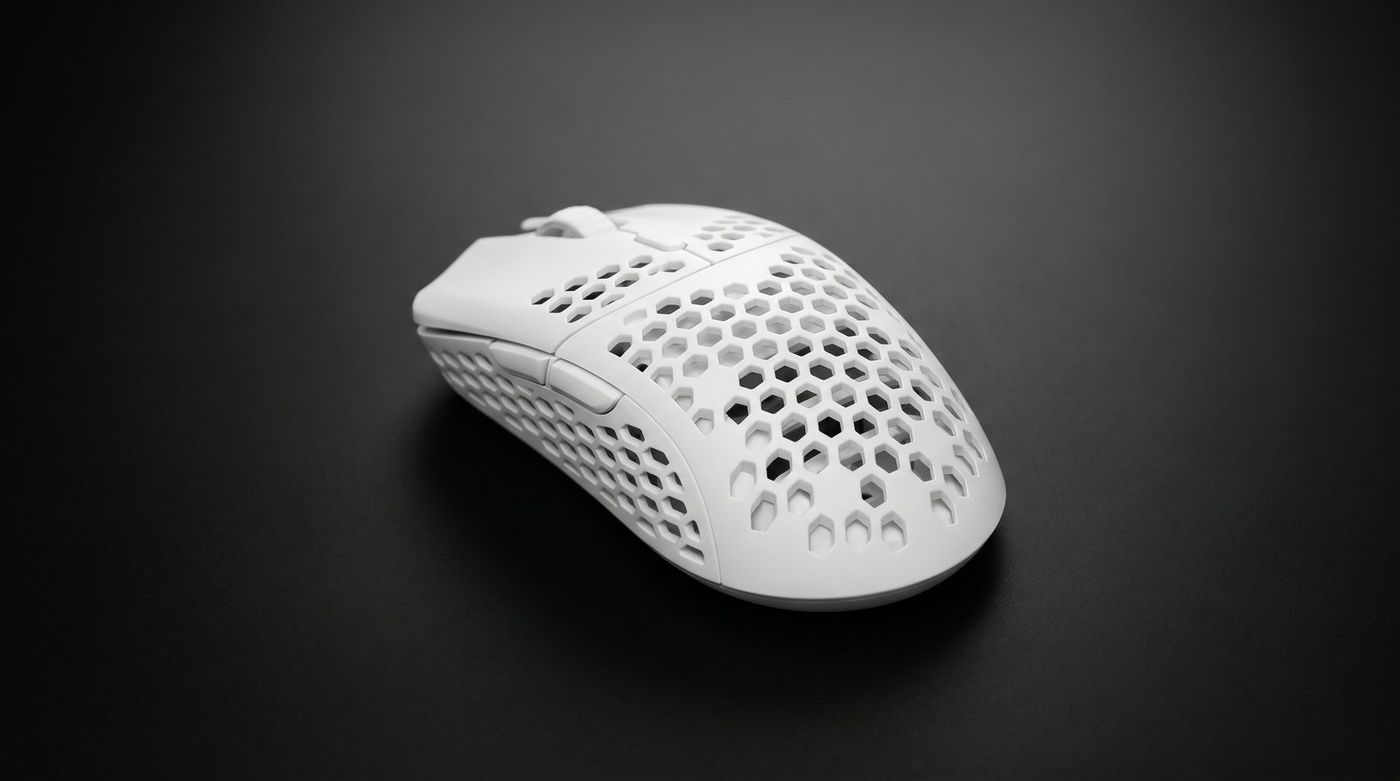
Logitech G Pro X Superlight 2
The Logitech G Pro X Superlight 2 is a 60g symmetrical wireless esports mouse with the HERO 2 sensor, up to 8K LIGHTSPEED polling, hybrid optical switches, and USB-C charging.
Pros
- + Proven symmetrical esports shape shared with the original Superlight
- + HERO 2 sensor with zero smoothing and a 44,000 DPI ceiling
- + LIGHTSPEED polling up to 8,000Hz with the newer receiver and firmware
- + LIGHTFORCE hybrid optical switches remove double-click wear
- + USB-C charging and a rated battery of up to 95 hours
Cons
- - No Bluetooth, LIGHTSPEED receiver only
- - Heavier than the Razer Viper V3 Pro and several boutique 8K mice
- - Side buttons on the left only, so not usable left-handed
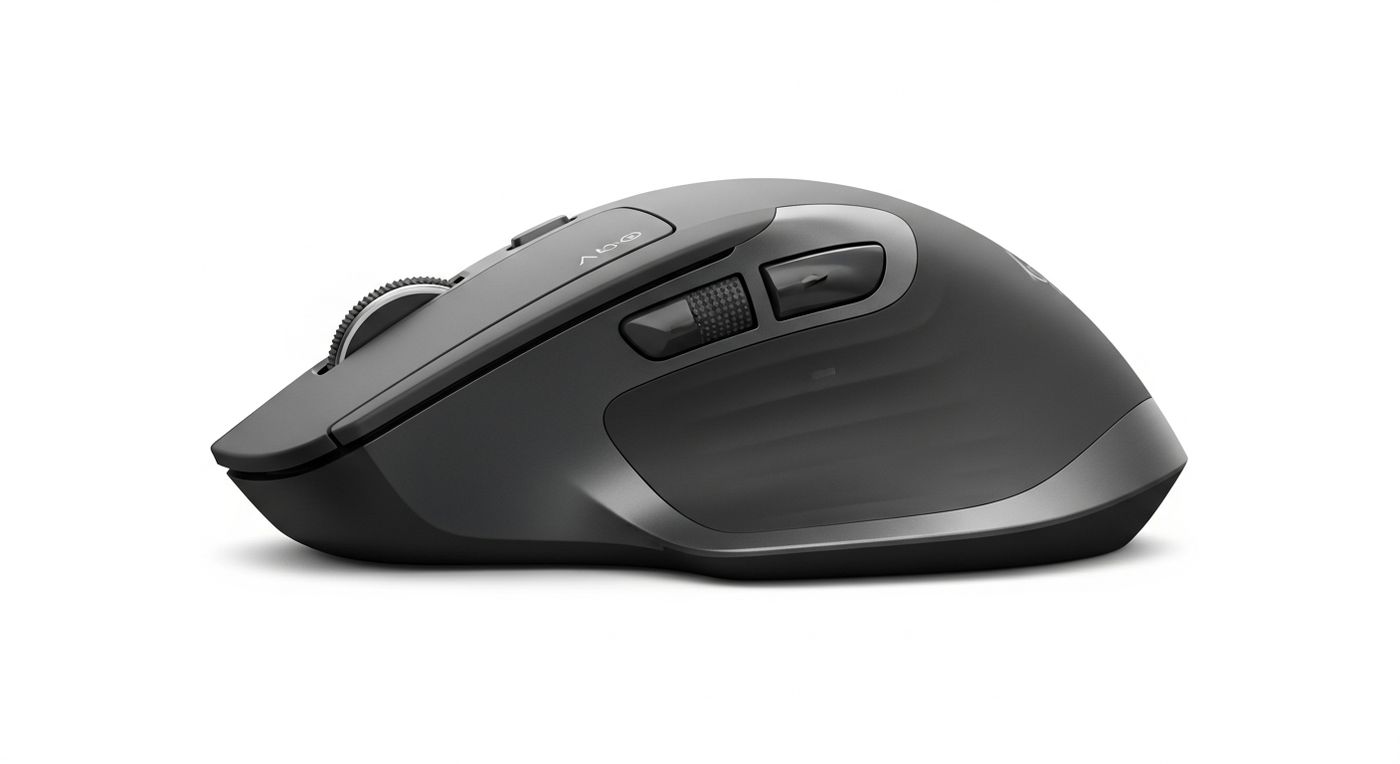
Logitech MX Master 3S
The Logitech MX Master 3S is the best productivity mouse for most people. The MagSpeed scroll wheel, silent switches, and multi-device pairing make it the daily driver for professionals.
Pros
- + MagSpeed electromagnetic scroll wheel handles long documents fast
- + Silent click switches reduce noise without losing tactile feedback
- + Multi-device pairing for up to three computers
- + Ergonomic right-hand shape reduces fatigue over long sessions
- + USB-C charging reaches full charge in 3 hours
Cons
- - Right-hand only design excludes left-handed users
- - Heavy at 141g compared to gaming mice
- - Bluetooth can occasionally disconnect and require re-pairing
Frequently Asked Questions
- Is the Logitech G Pro X Superlight 2 worth $60 more than the Logitech MX Master 3S?
- Usually yes if you'll use it daily. The Logitech G Pro X Superlight 2 rates 4.8/5 against 4.8/5 for the Logitech MX Master 3S. Its main advantages: proven symmetrical esports shape shared with the original superlight; hero 2 sensor with zero smoothing and a 44,000 dpi ceiling.
- Which is better for most people, the Logitech G Pro X Superlight 2 or the Logitech MX Master 3S?
- The Logitech G Pro X Superlight 2 is our pick for most buyers (4.8/5). Choose the Logitech MX Master 3S if its price or its specific strengths (magspeed electromagnetic scroll wheel handles long documents fast) matter more to you.
- What are the main downsides of each?
- Logitech G Pro X Superlight 2: No Bluetooth, LIGHTSPEED receiver only. Logitech MX Master 3S: Right-hand only design excludes left-handed users.