- How many monitors do video editors need?
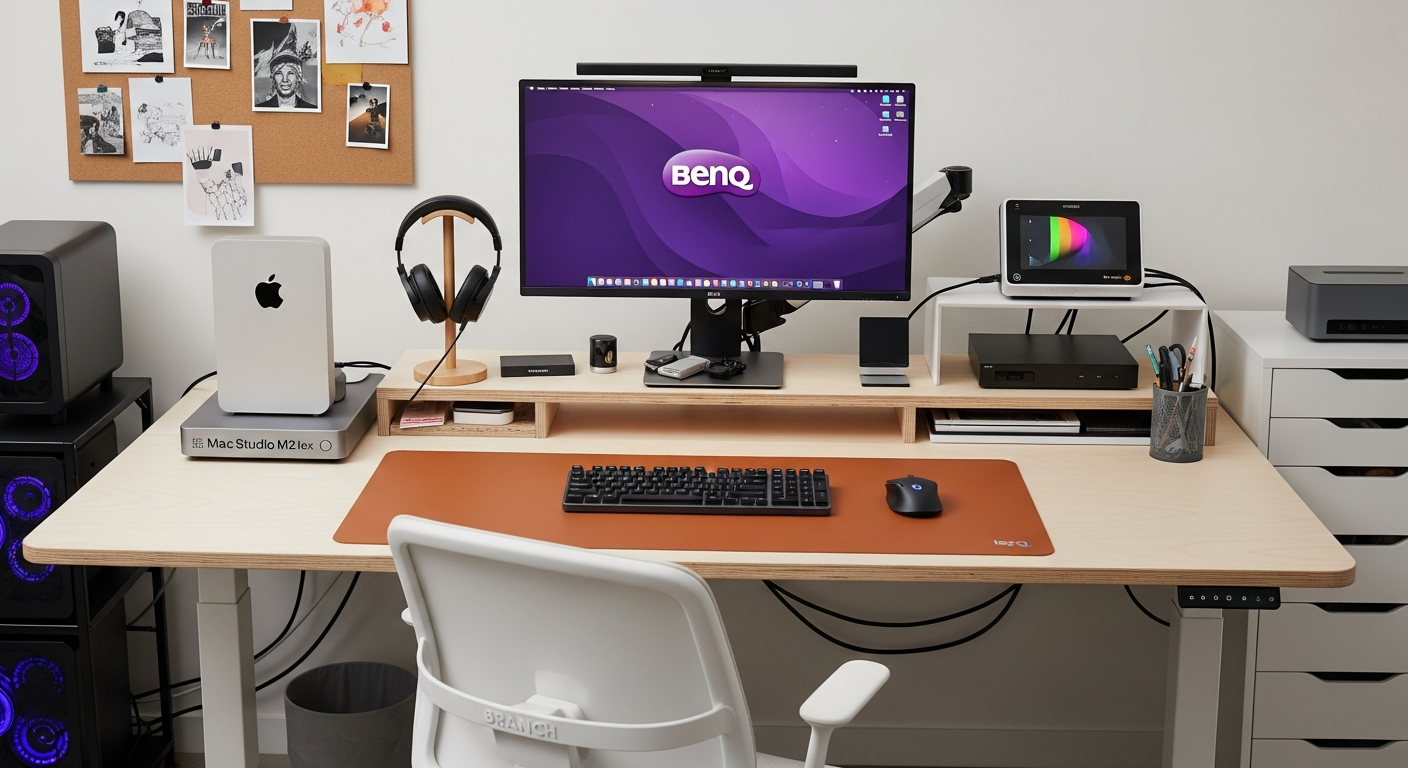
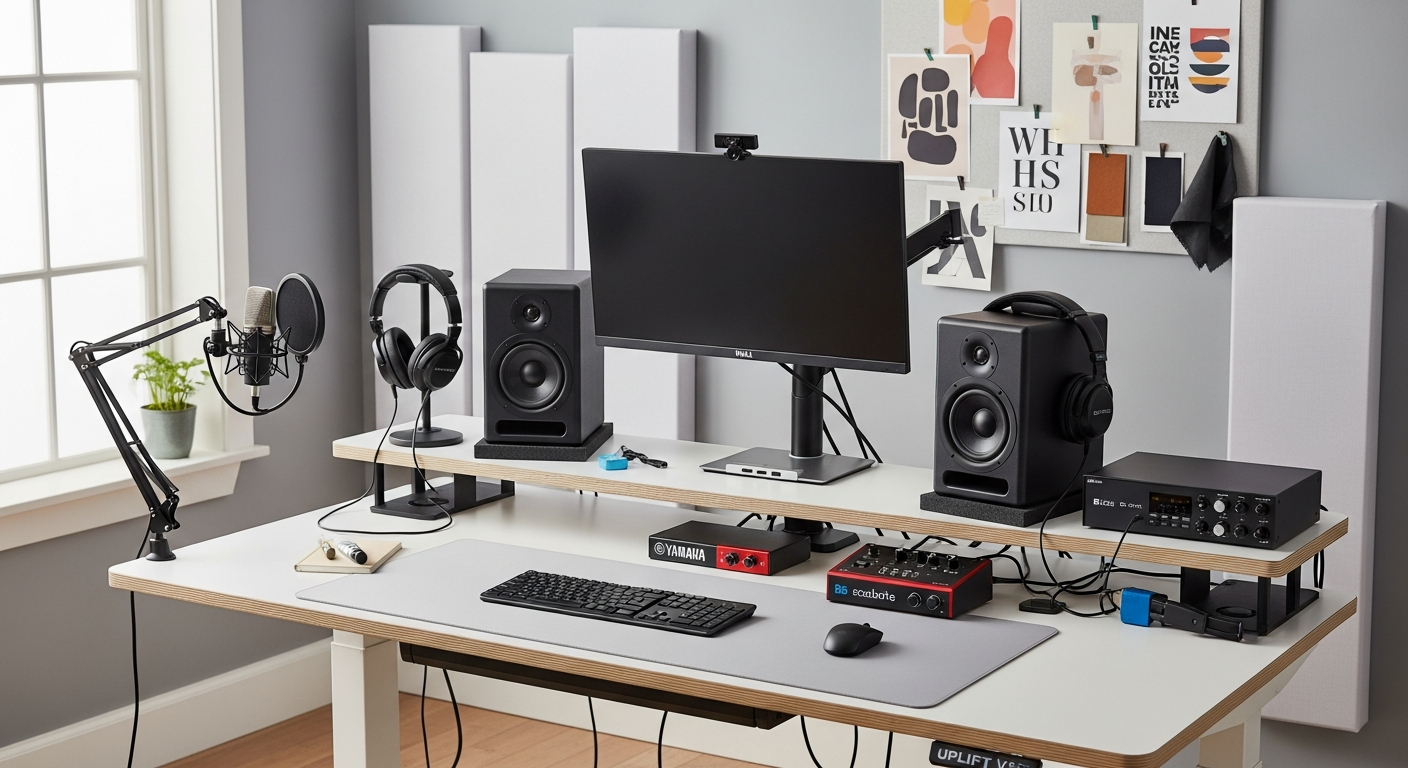
- Most video editors use two monitors: a primary editing display (27-32 inch, 4K, color-accurate) and a secondary monitor for timelines, bins, or reference material. Some editors add a dedicated reference monitor for color grading.
- What desk accessories help with video editing?
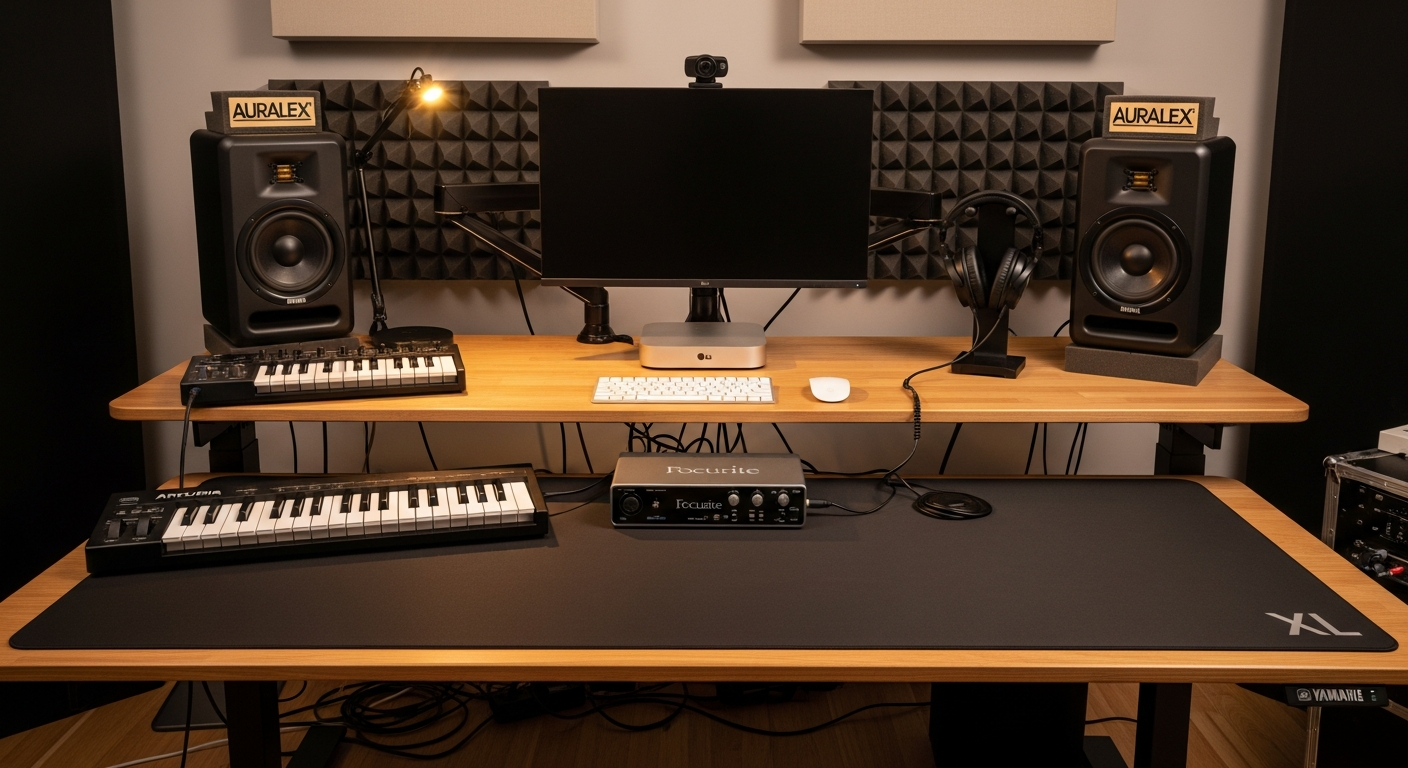
- A dedicated editing controller (Loupedeck, TourBox, or Monogram) speeds up common tasks. A Stream Deck programmed with editing shortcuts is also popular. Fast external storage (Thunderbolt SSD) on your desk is essential for working with large video files.