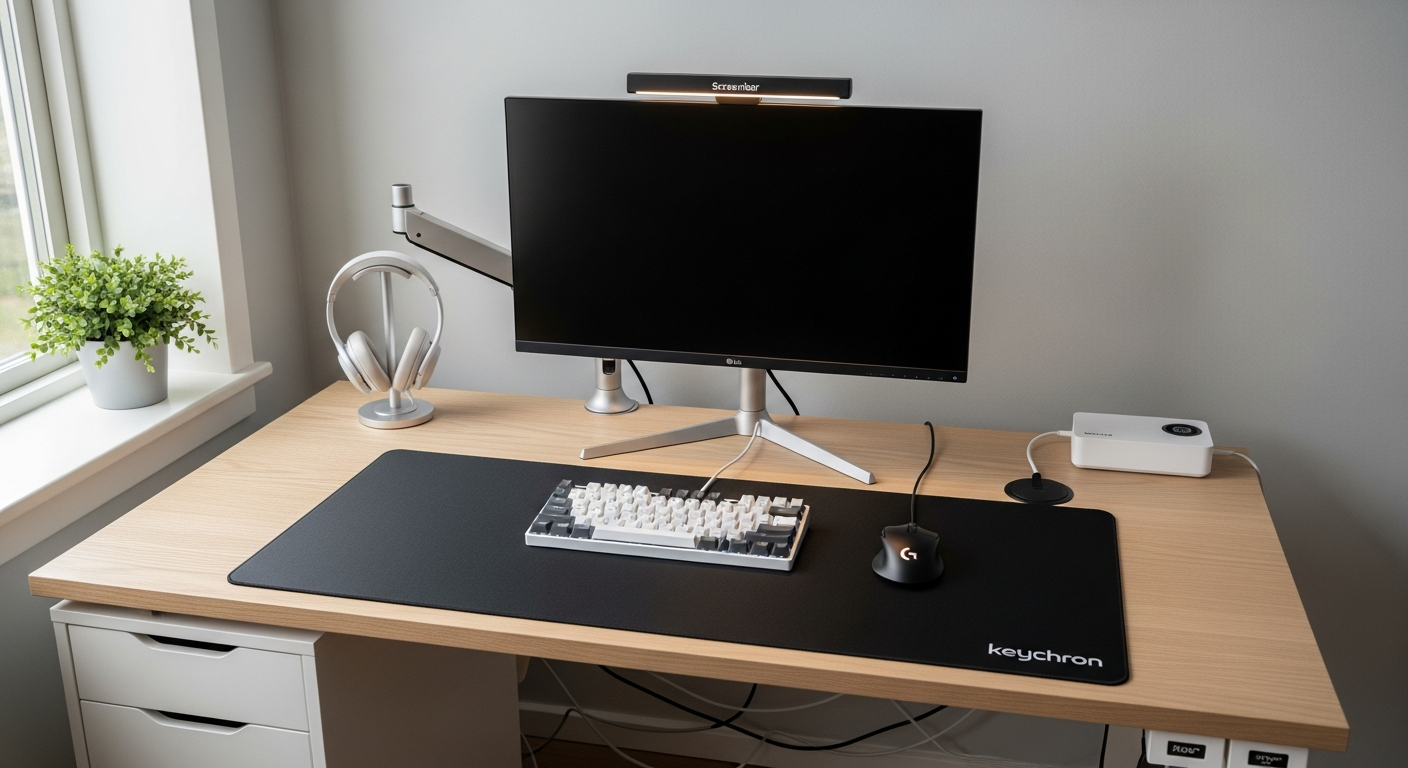
minimal
Reddit-Inspired Minimal Desk Setup That Actually Works
A desk setup inspired by the top posts on r/battlestations and r/homeoffice, built to look as good in person as it does in photos. Total cost: $1,190.
Total: $1,190
A designer's workspace needs to balance aesthetics with function. Color-accurate displays are non-negotiable, and your input devices — whether a drawing tablet, trackpad, or precision mouse — shape how you interact with your work every day. These curated setups from working designers show how to create a workspace that's as beautiful as the work you produce in it.
A desk setup inspired by the top posts on r/battlestations and r/homeoffice, built to look as good in person as it does in photos. Total cost: $1,190.
Total: $1,190
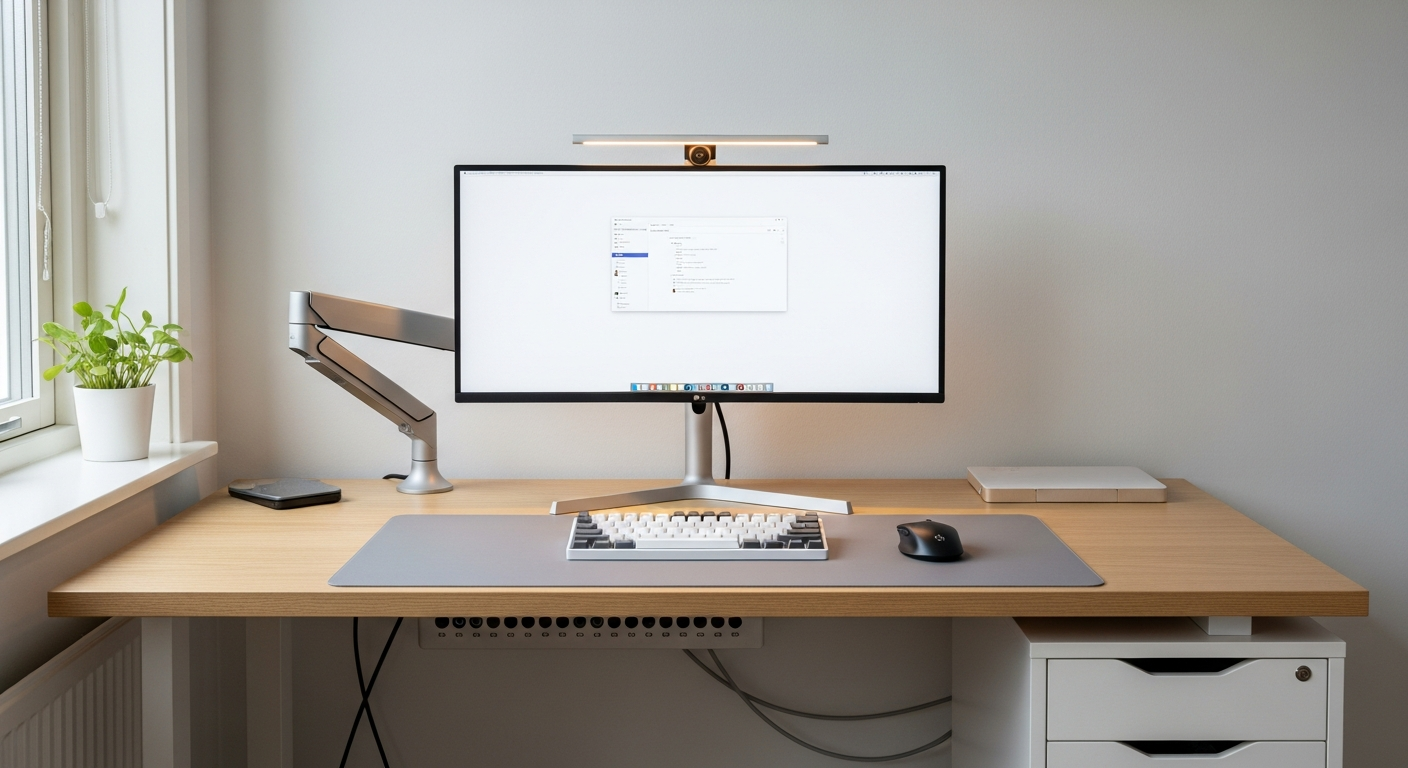
A single ultrawide monitor productivity setup that replaces dual monitors without the bezel. Built for developers, writers, and power users. Total cost: $1,430.
Total: $1,430
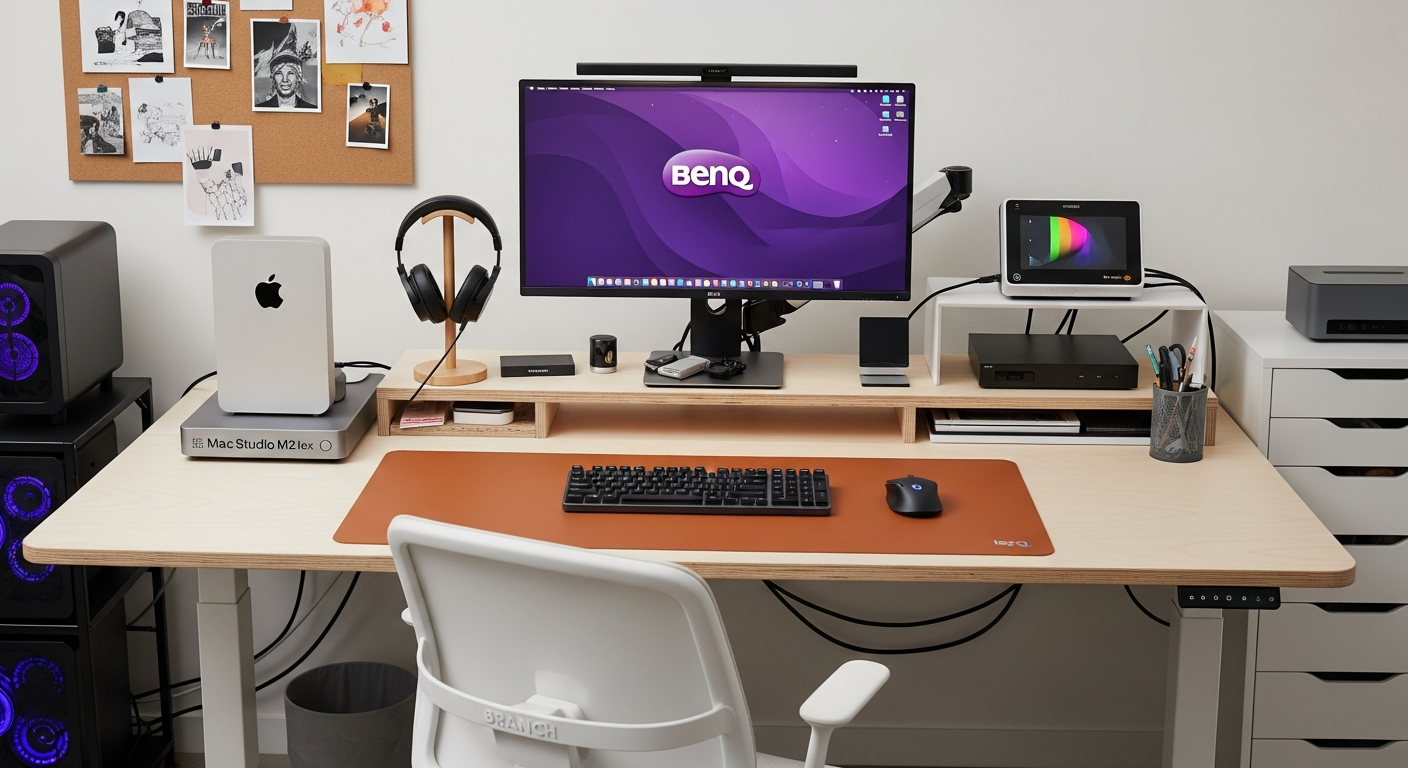
A video editor's desk setup optimized for long export queues, color accuracy, and fast NVMe storage access. Built for DaVinci Resolve and Premiere Pro users. Total cost: $2,460.
Total: $2,460
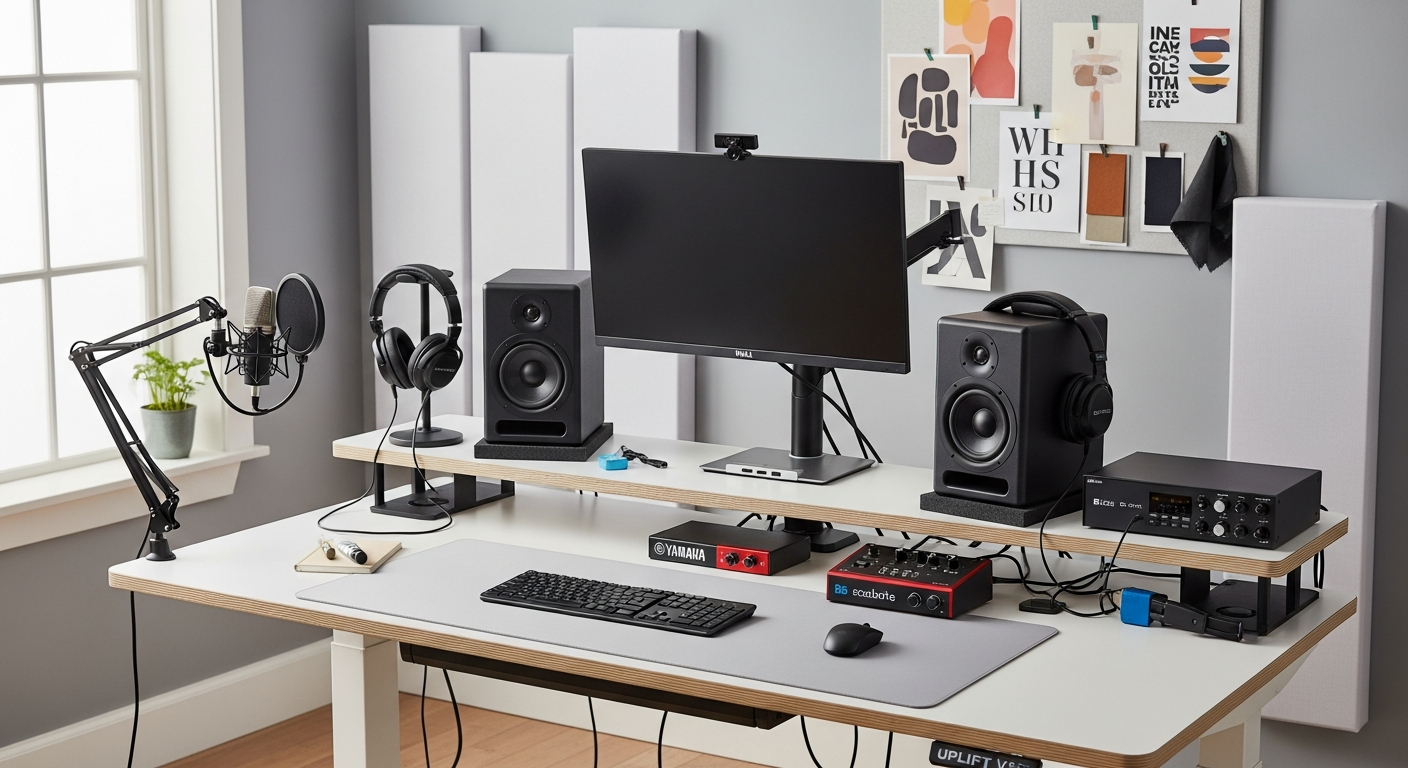
A home recording studio desk setup with audio interface, condenser microphone, studio monitors, and acoustic treatment. Built for podcast recording, voiceover, and music. Total cost: $1,870.
Total: $1,870
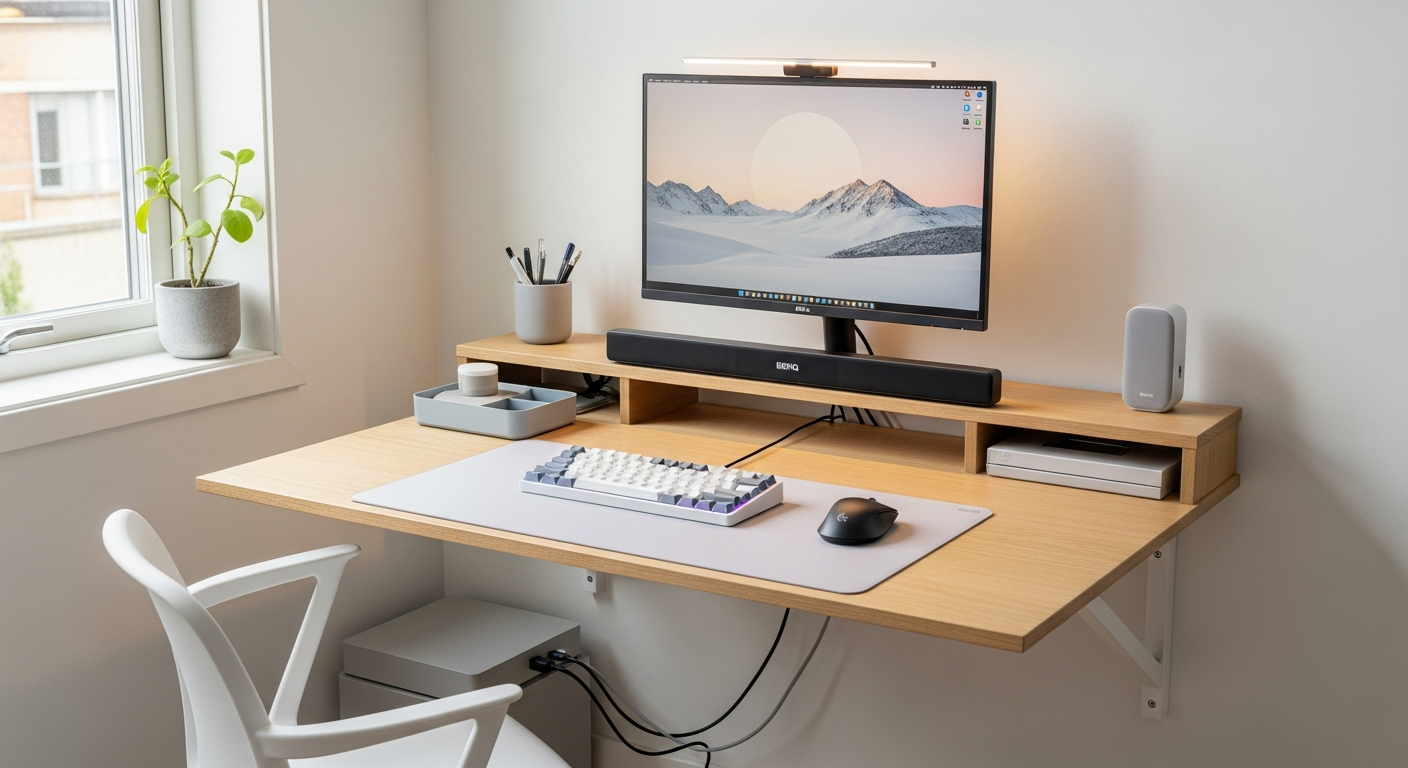
A minimal bedroom desk setup designed to keep work separate from sleep. Low blue light, warm tones, and a folding or wall-mounted desk option. Total cost: $640.
Total: $640
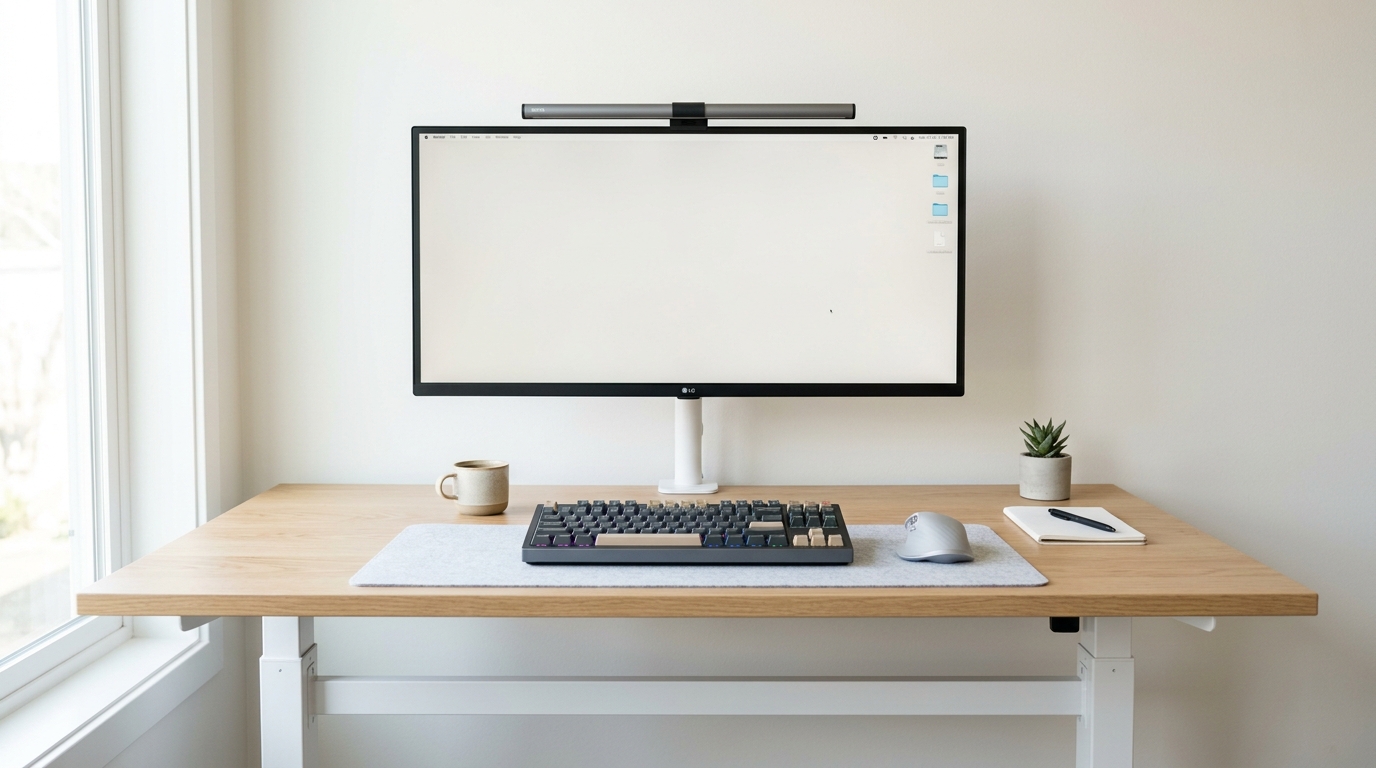
A distraction-free developer workspace featuring an ultrawide monitor, mechanical keyboard, and standing desk. Perfect for focused coding sessions.
Total: $1,850
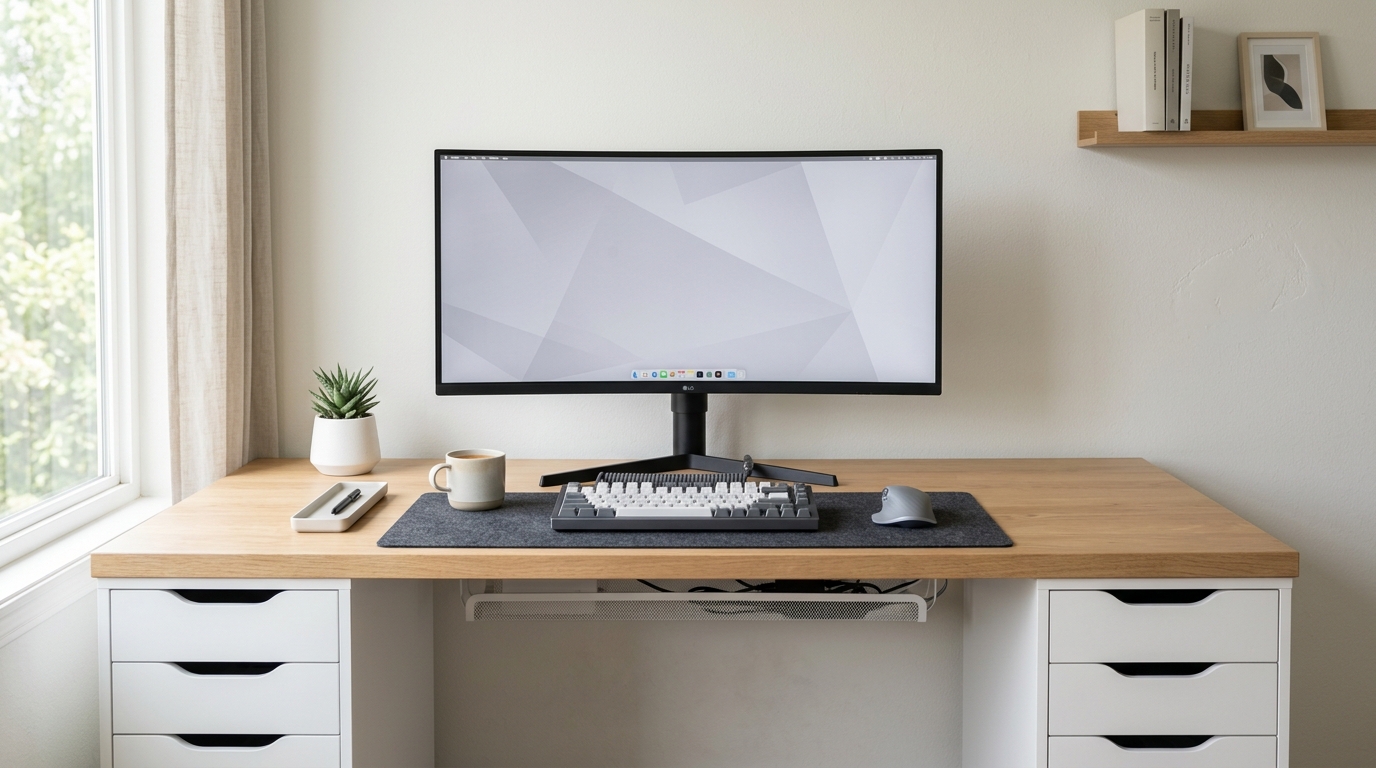
The classic IKEA Alex drawer unit paired with a Karlby countertop desk build. How to assemble it, what fits, and the total cost in 2026. Total cost: $520.
Total: $520
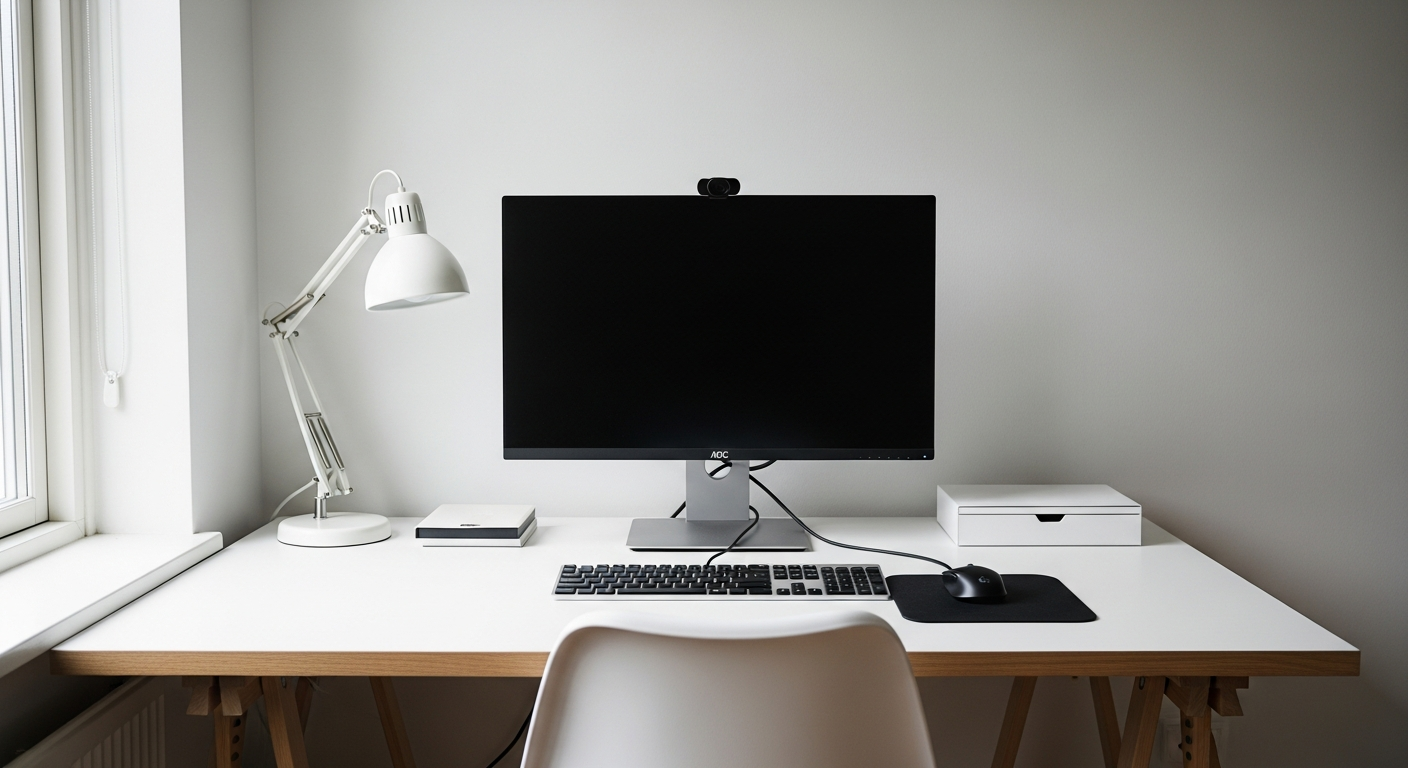
A complete student desk setup for under $400 that handles studying, online classes, and casual browsing. Proof that great setups don't need huge budgets.
Total: $385
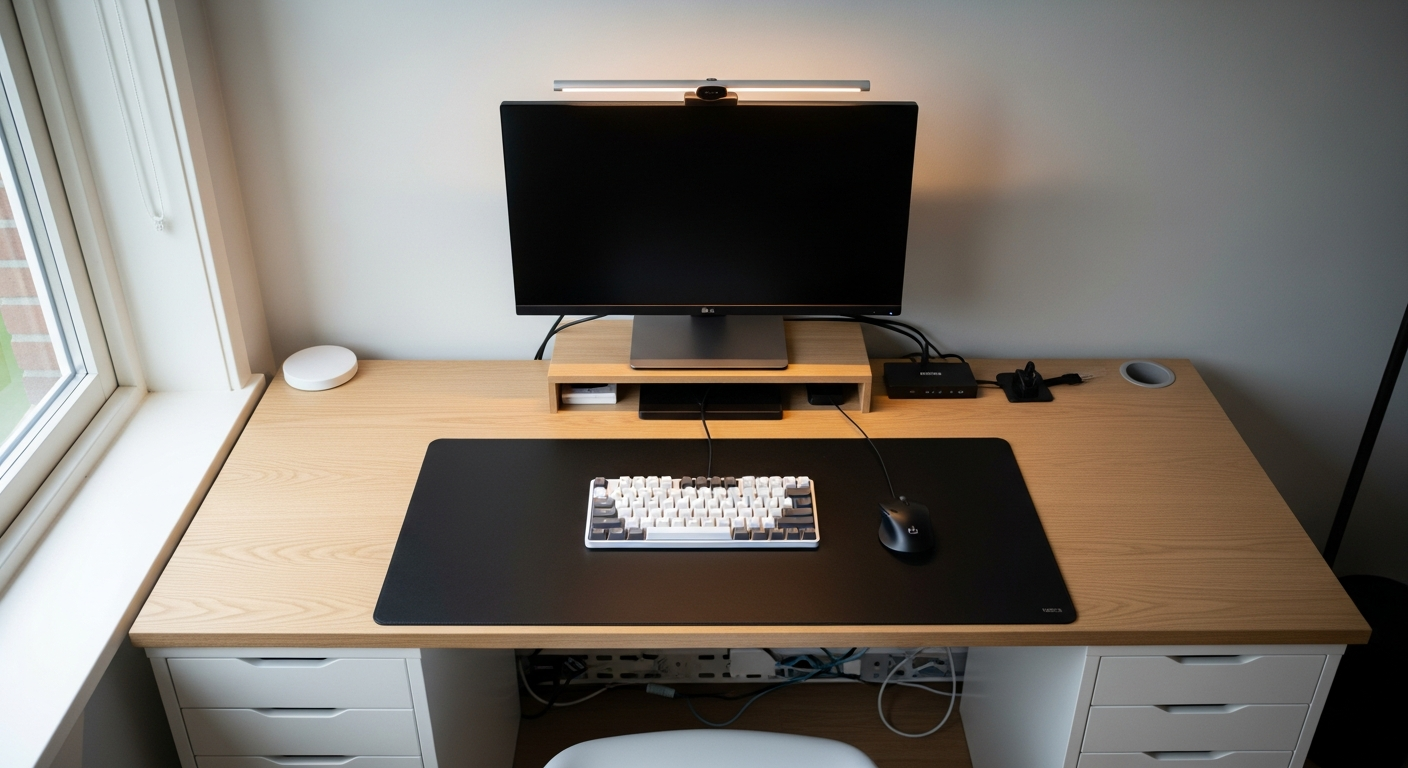
How to build a clean minimal desk setup using the IKEA KARLBY countertop on ALEX drawer units. Total cost including full peripherals: $1,080.
Total: $1,080
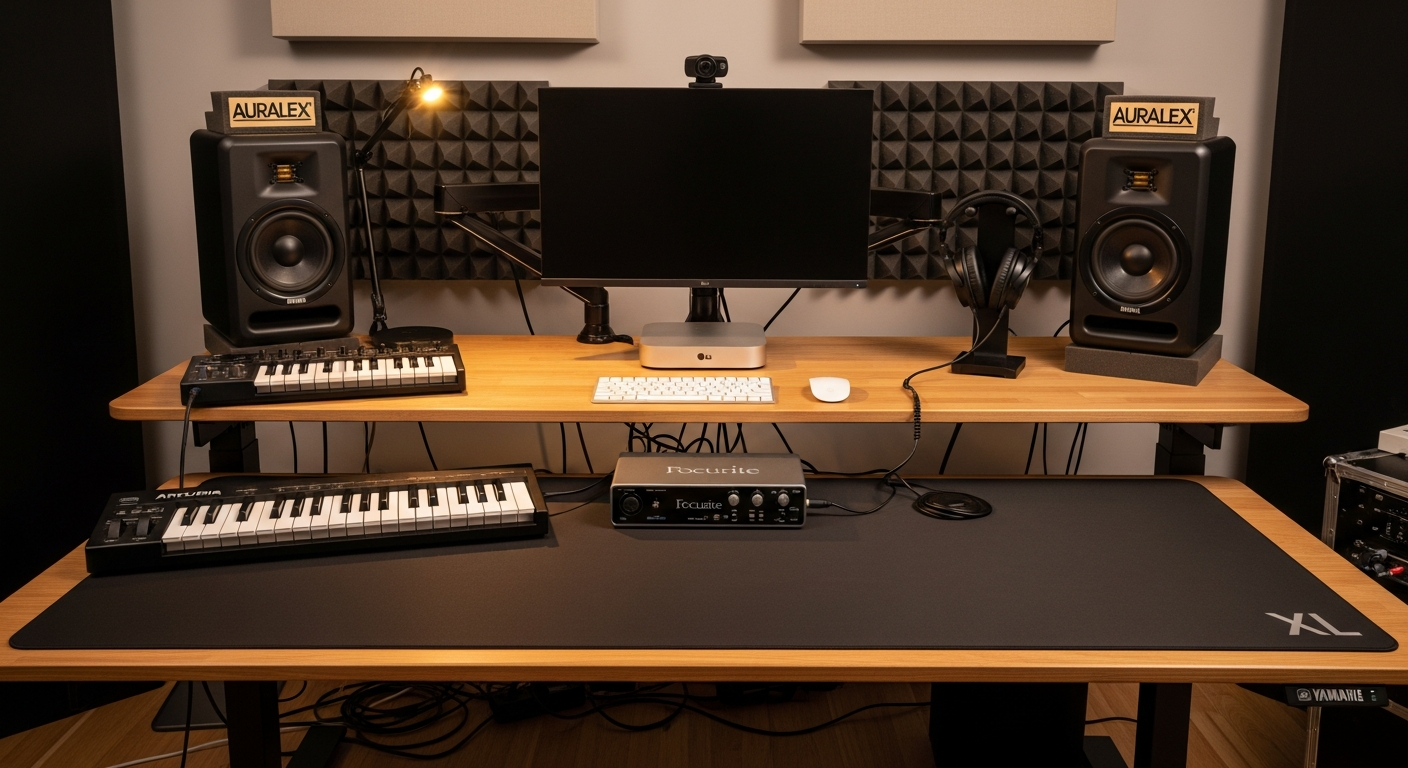
A music production desk setup with audio interface, studio monitors, MIDI keyboard, and a wide desk surface for gear. Total cost: $2,690.
Total: $2,690
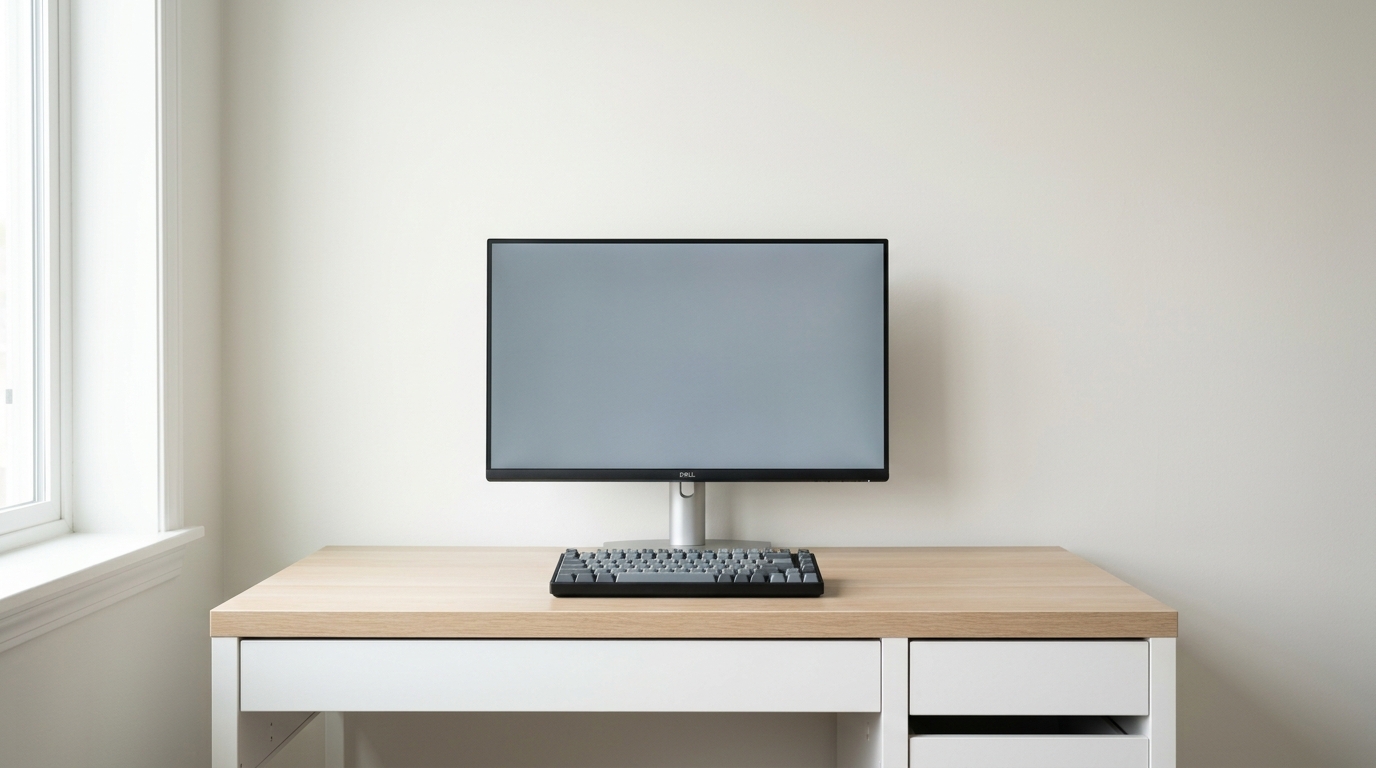
A complete desk setup using the IKEA Micke as the base. Monitor, keyboard, and accessories that make the most of a budget build. Total cost: $387.
Total: $387
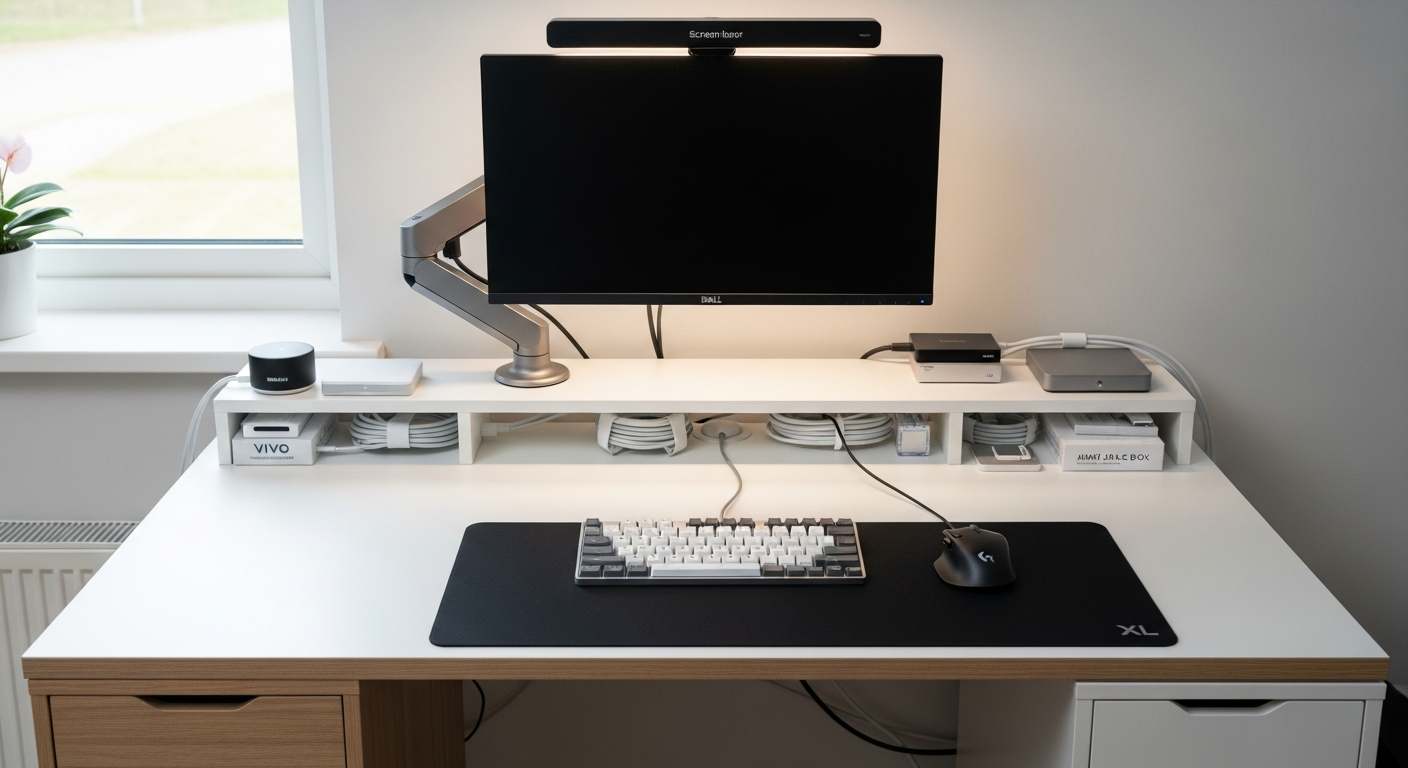
A fully wireless desk setup with Bluetooth peripherals, wireless charging, and a single power cable to the whole desk. Built for a clean surface and easy reconfiguration. Total cost: $1,450.
Total: $1,450
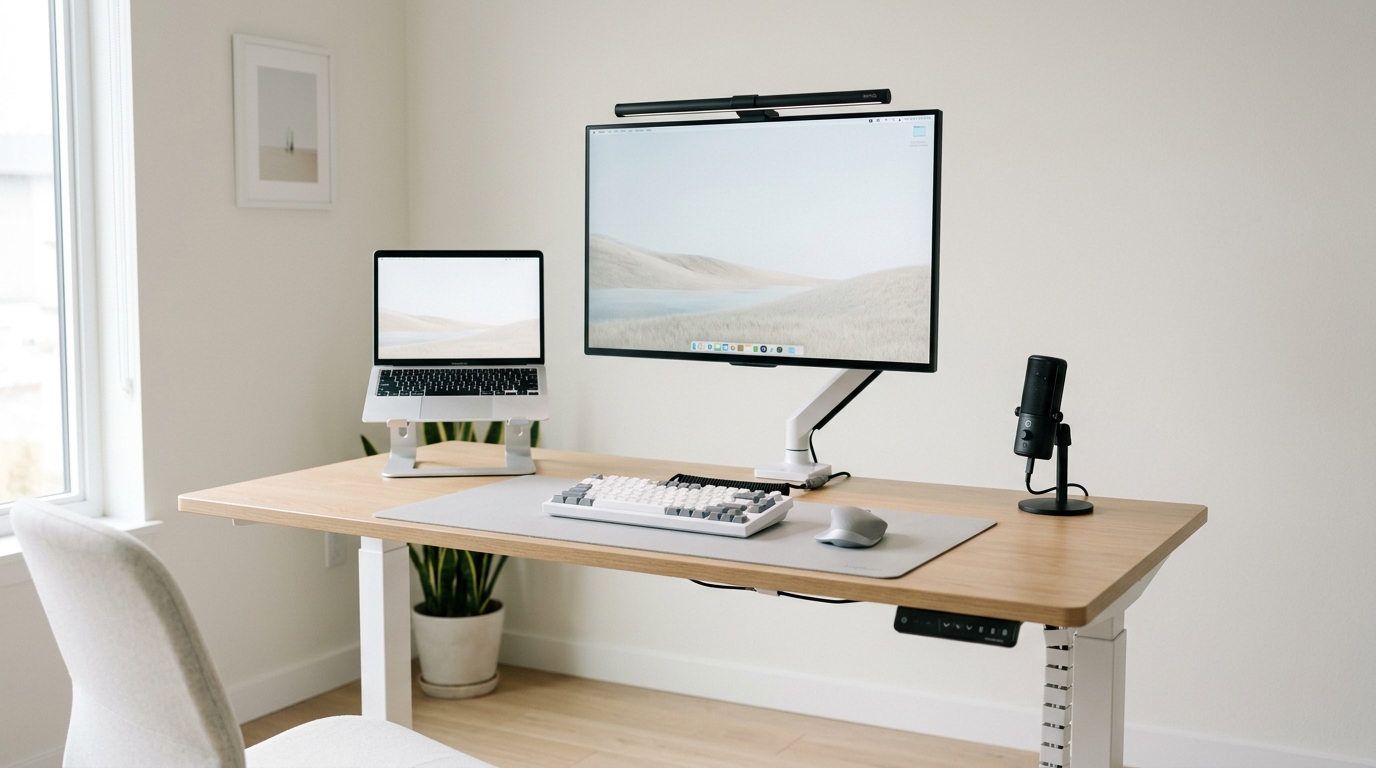
Etho-inspired minimal creator desk setup with dual monitors, clean cable management, and a focus on function over flash. Total cost: $2,150.
Total: $2,150
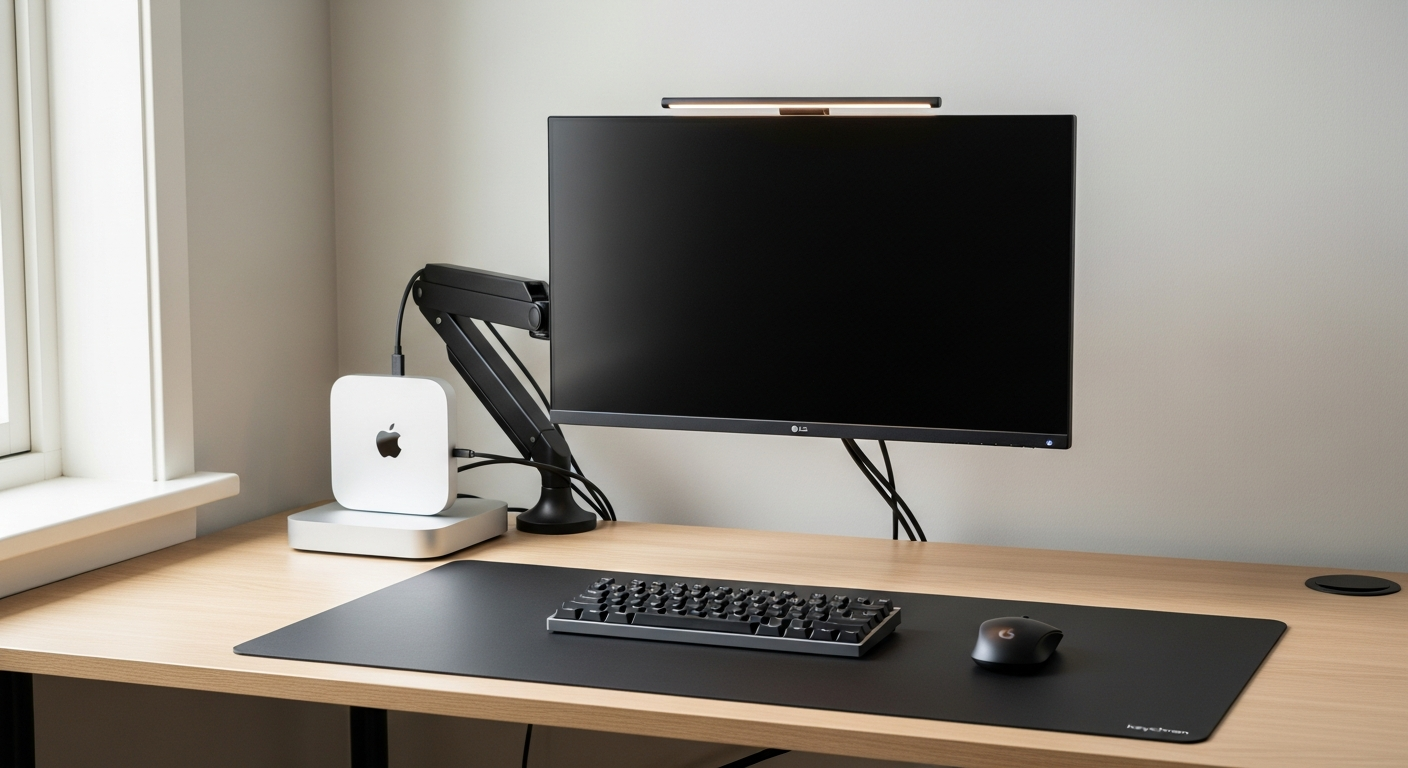
A minimal Mac mini desk setup with a 4K monitor, Keychron keyboard, and hidden Mac mini mount. Total cost: $1,580.
Total: $1,580
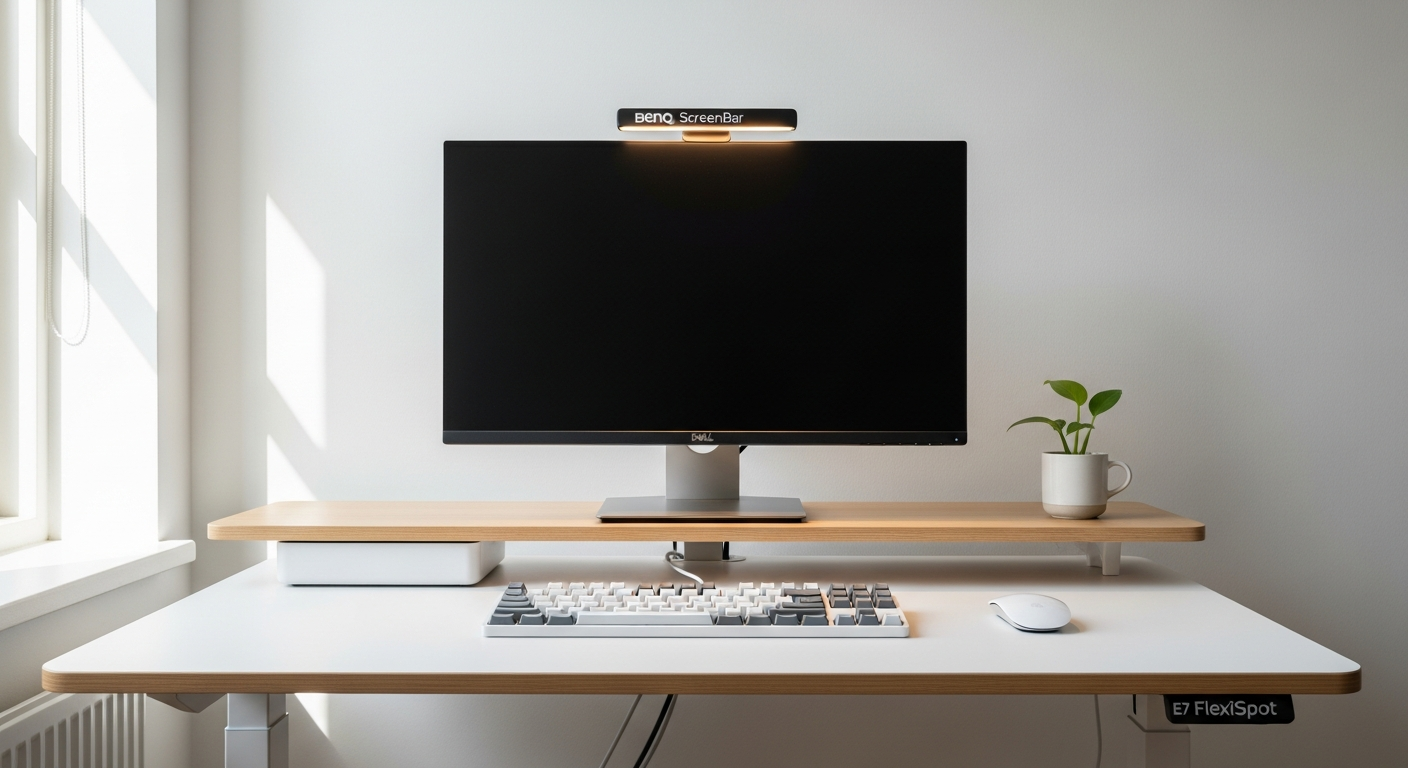
A clean white minimal desk setup built around a white FlexiSpot desk, Keychron Q1 Pro keyboard, and BenQ ScreenBar lighting. Total cost: $1,290.
Total: $1,290
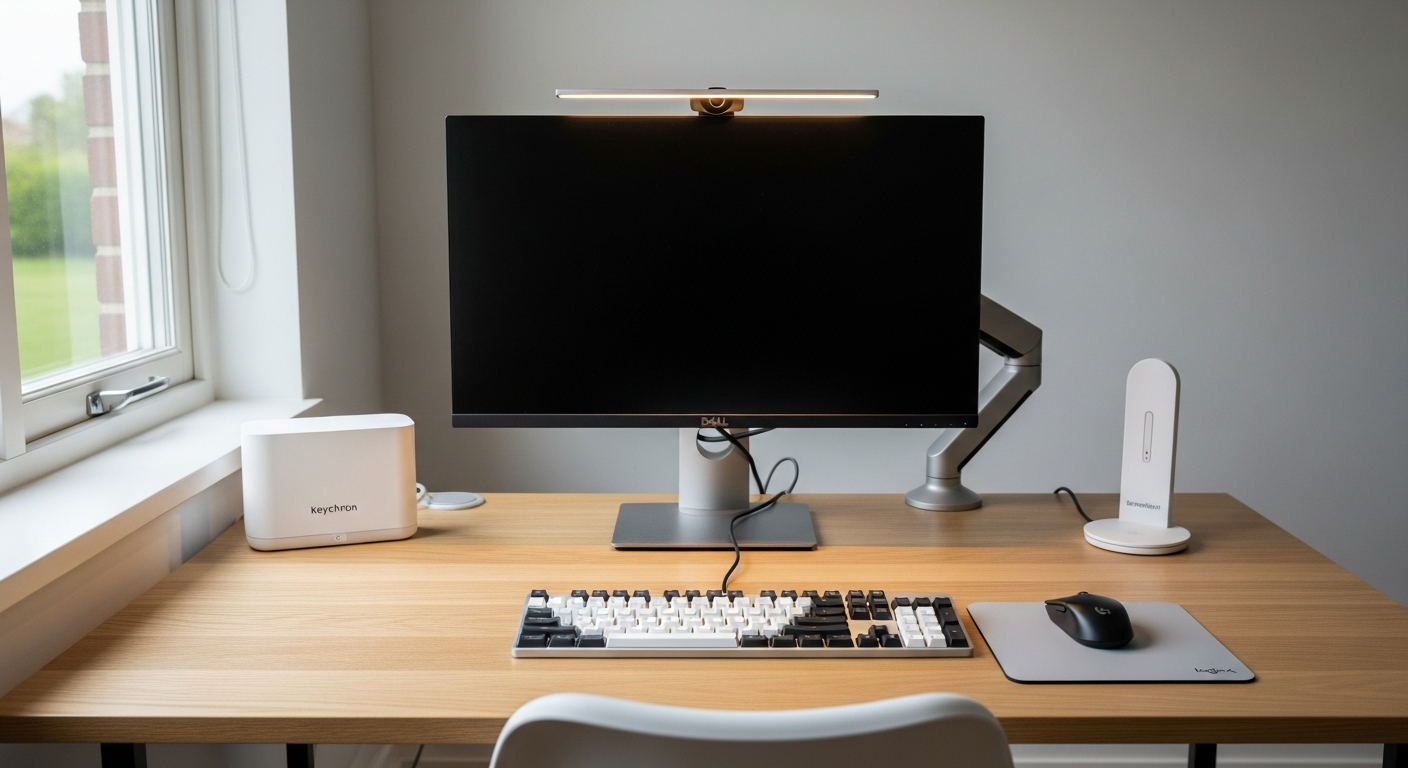
A complete work setup in a small apartment or bedroom using a 48-inch desk, space-saving monitor arm, and compact peripherals. Total cost: $680.
Total: $680

A designer's desk setup built around a 4K color-accurate monitor, Wacom drawing tablet, and wide work surface. Built for Figma, Illustrator, and video editing. Total cost: $2,180.
Total: $2,180
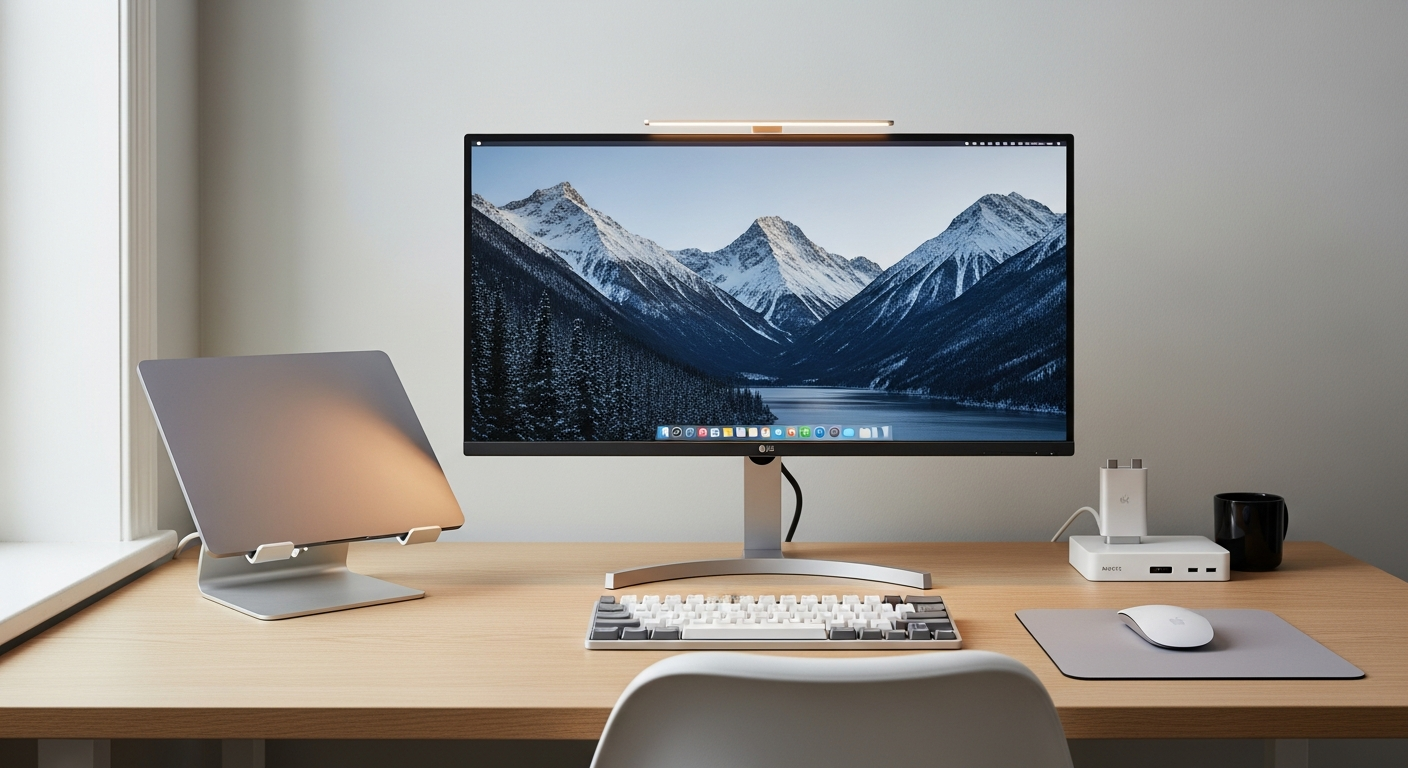
A MacBook Pro clamshell desk setup with an ultrawide monitor, Keychron keyboard, and MX Master 3S for a clean single-display workstation. Total cost: $1,040.
Total: $1,040